QuickSnap
Maya and 3ds Max style point-to-point snapping: pick a source point and a target point and the object or vertex snaps there.
Not tested hands-on. Based on the creator’s documentation, demo videos, changelog and buyer feedback.
Cover image: Julien Heijmans, from the original product page.
Links to Superhive on this page are affiliate links. If you buy through them I earn a commission, at no extra cost to you.
What it does
QuickSnap lets you snap an object or vertex to another point by picking where you are snapping from and where you are snapping to. It works like vertex snapping in Maya or 3ds Max and is much faster than juggling Blender's snapping settings.
Key features
- Snap from and to: the 3D cursor, object origins, vertices and curve points, edge midpoints and face centres.
- Pie menu to change the snap point type, using the same hotkey that starts the tool.
- Axis and plane constraints with X, Y, Z and Shift+X, Y, Z.
- Auto-merge of overlapping vertices after a snap in Edit mode (can be turned off).
- Wireframe preview of the target mesh and the object under the cursor.
Things to check before buying
QuickSnap is free and also available on the official Blender Extensions platform.
Strengths
- Snap to origins, vertices, edge midpoints and face centres
- Pie menu to switch snap types on the fly
- Free
Worth knowing
- Does one job only
- Auto-merge in Edit mode may surprise you until configured
Who it's for
Modelers coming from Maya or 3ds Max, and anyone who snaps objects and vertices together often.
From the product page
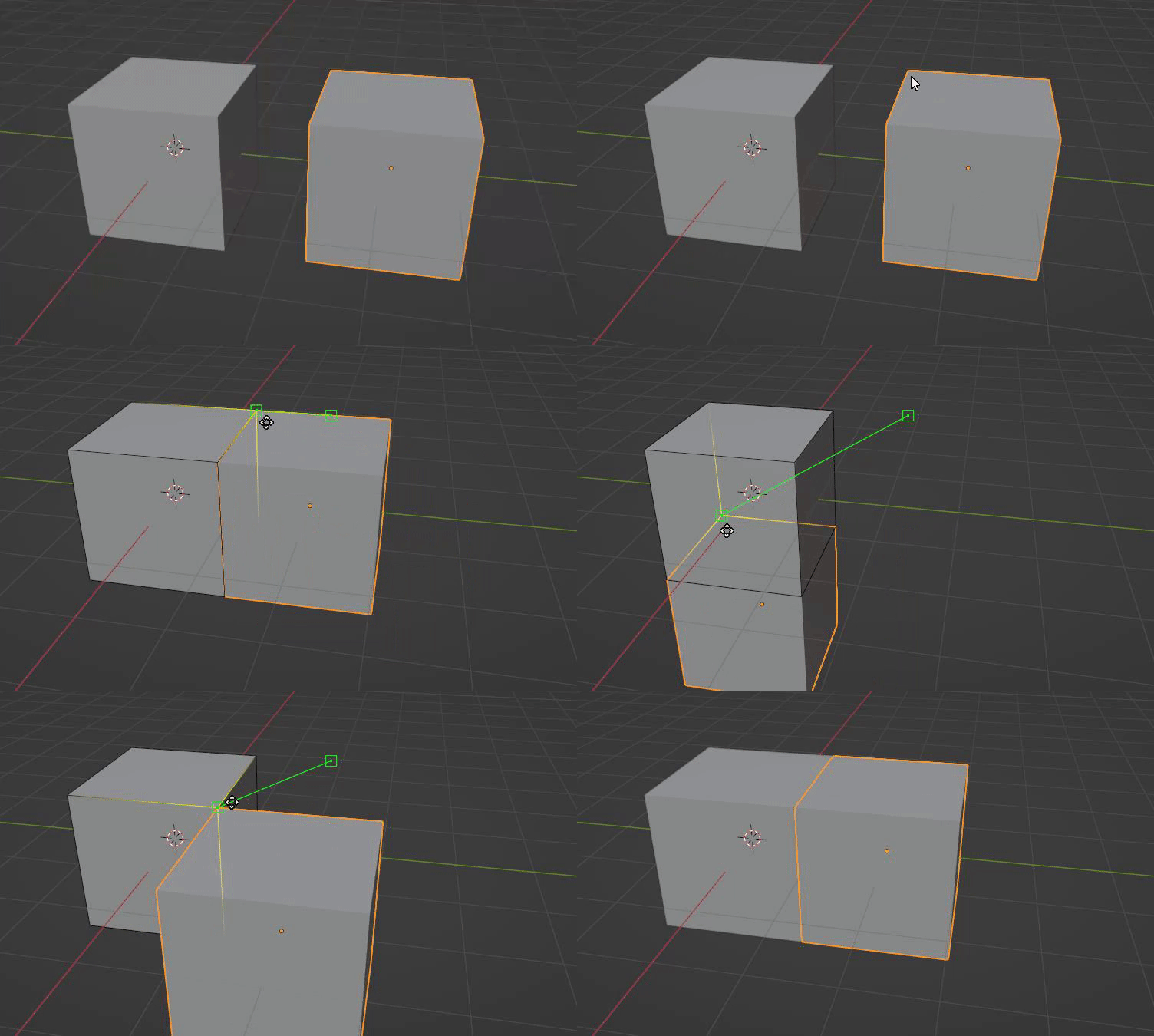
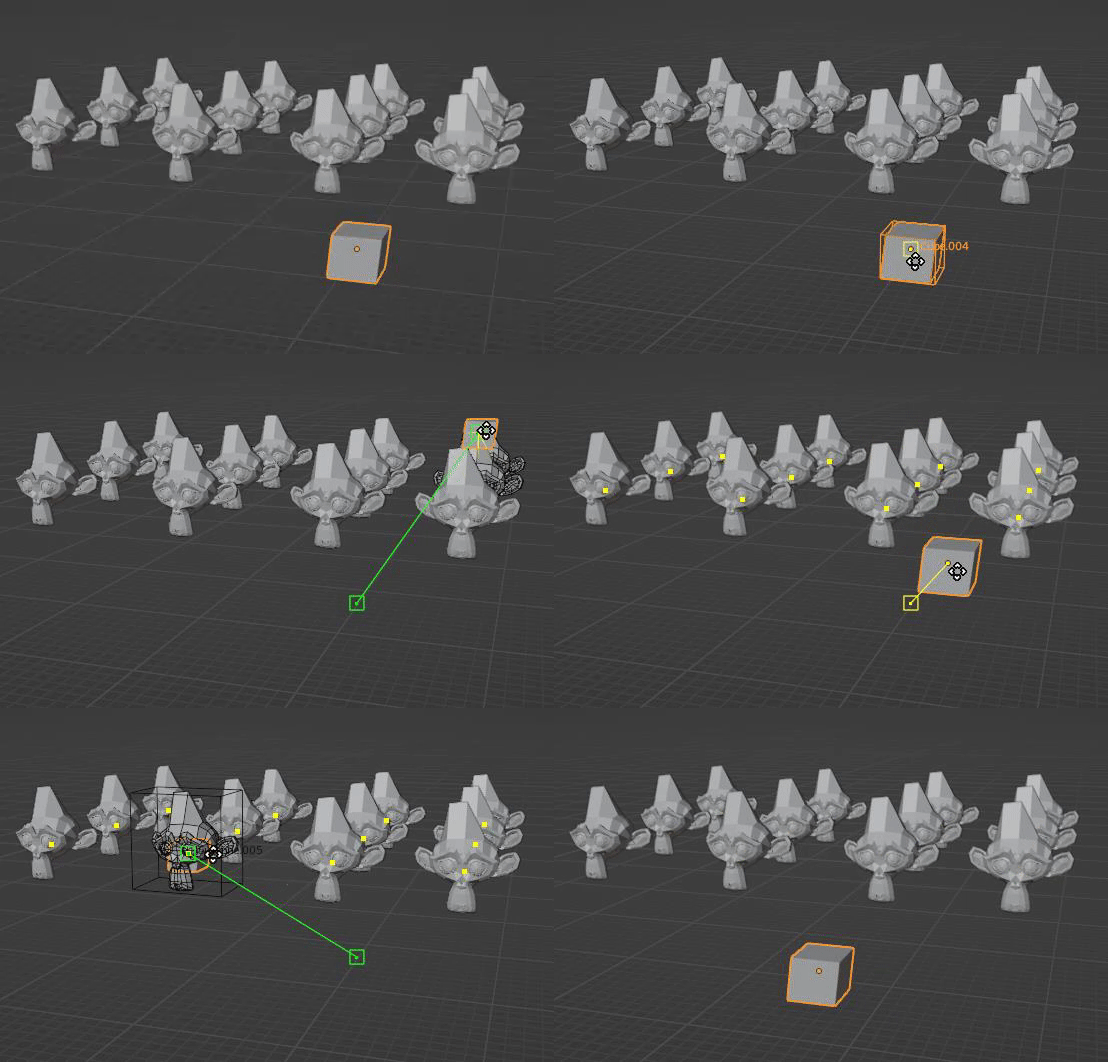
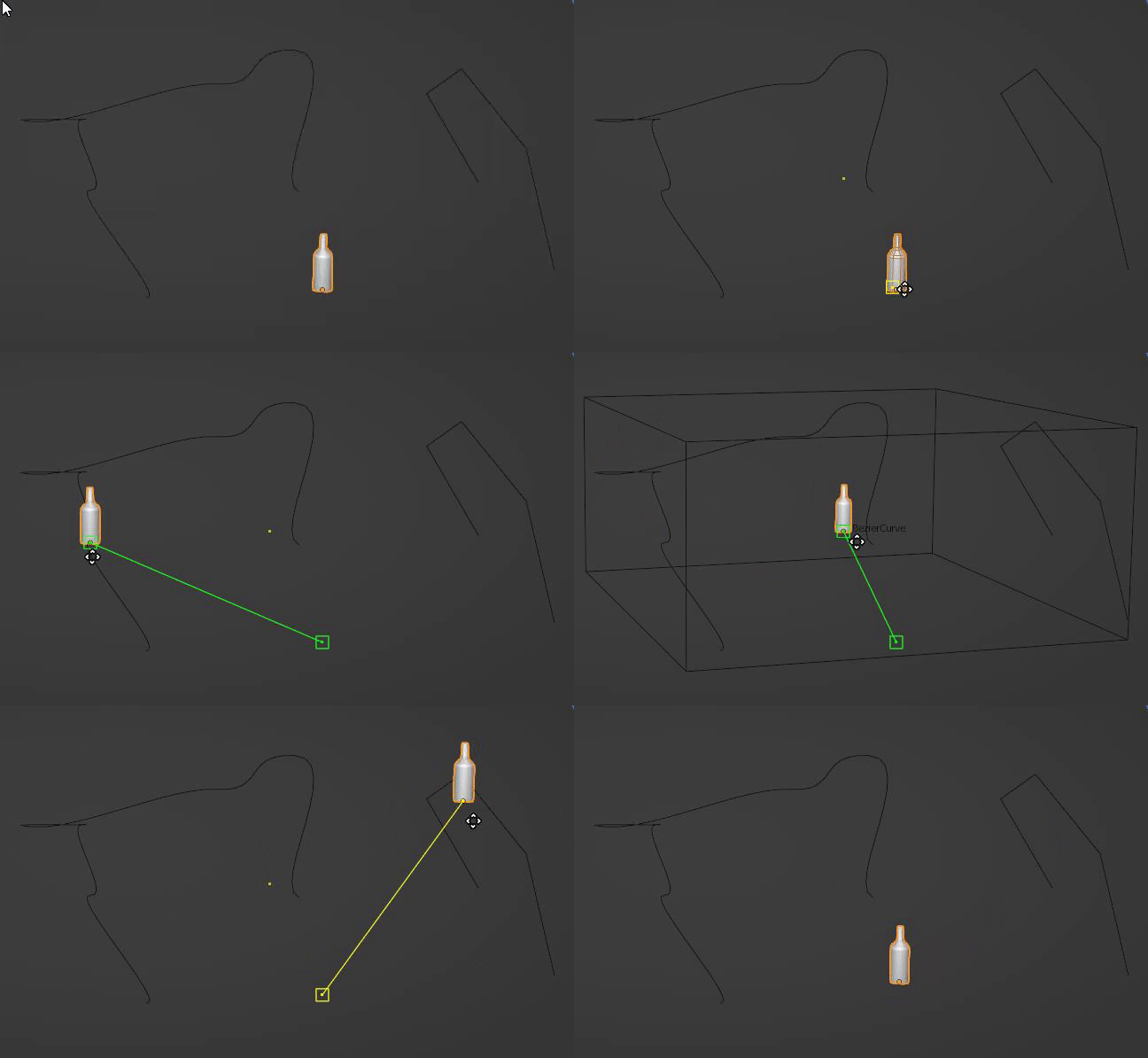
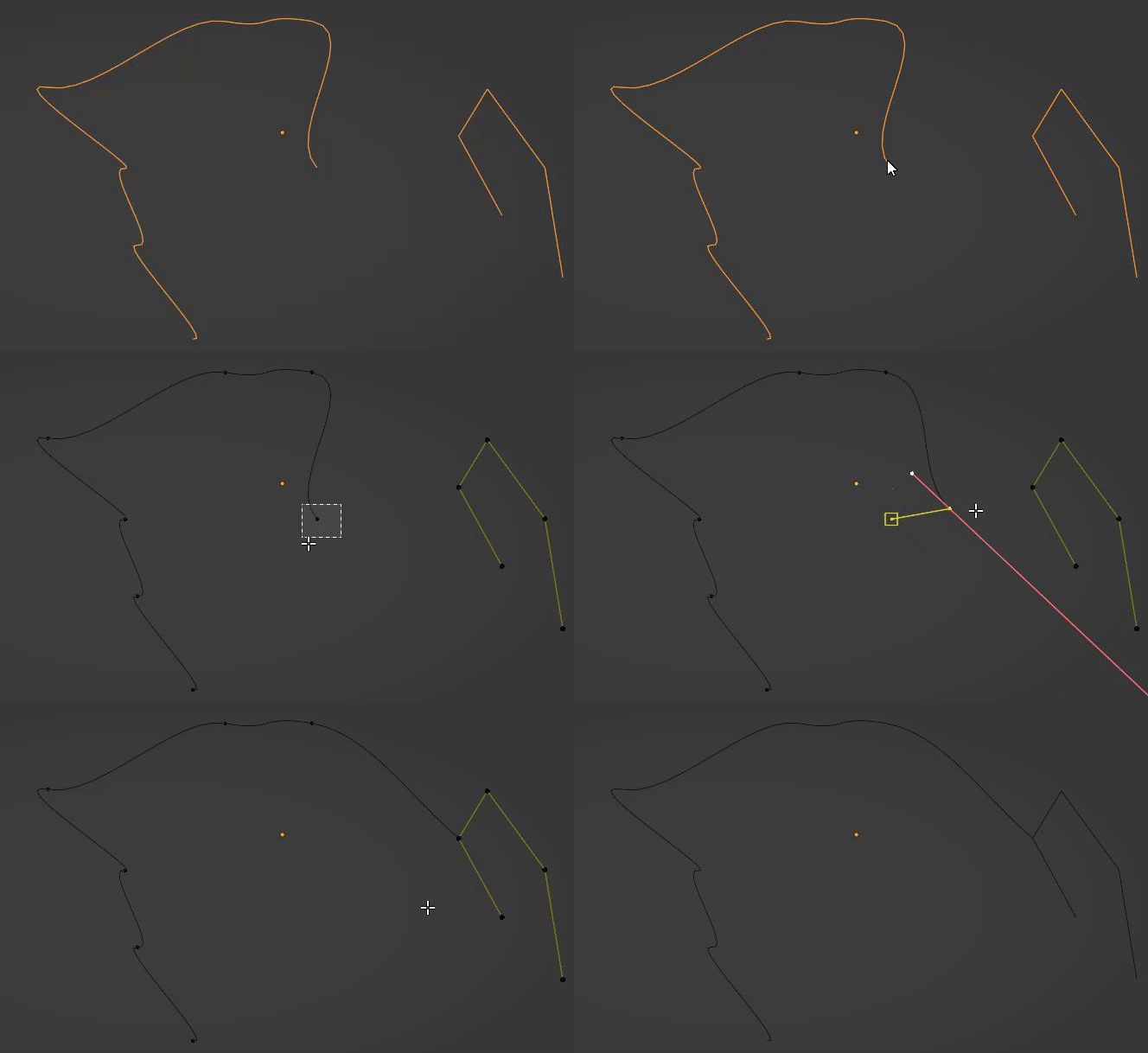
Images by Julien Heijmans, shown from the Superhive product page.
QuickSnap
Check the current price, version support and changelog on the creator's page.
See price on SuperhiveAffiliate link. How this works