MACHIN3tools
by MACHIN3
A collection of smarter pie menus and modeling helpers that quietly replaces a lot of Blender's default clicking.
Not tested hands-on. Based on the creator’s documentation, demo videos, changelog and buyer feedback.
Cover image: MACHIN3, from the original product page.
Links to Superhive on this page are affiliate links. If you buy through them I earn a commission, at no extra cost to you.
What it does
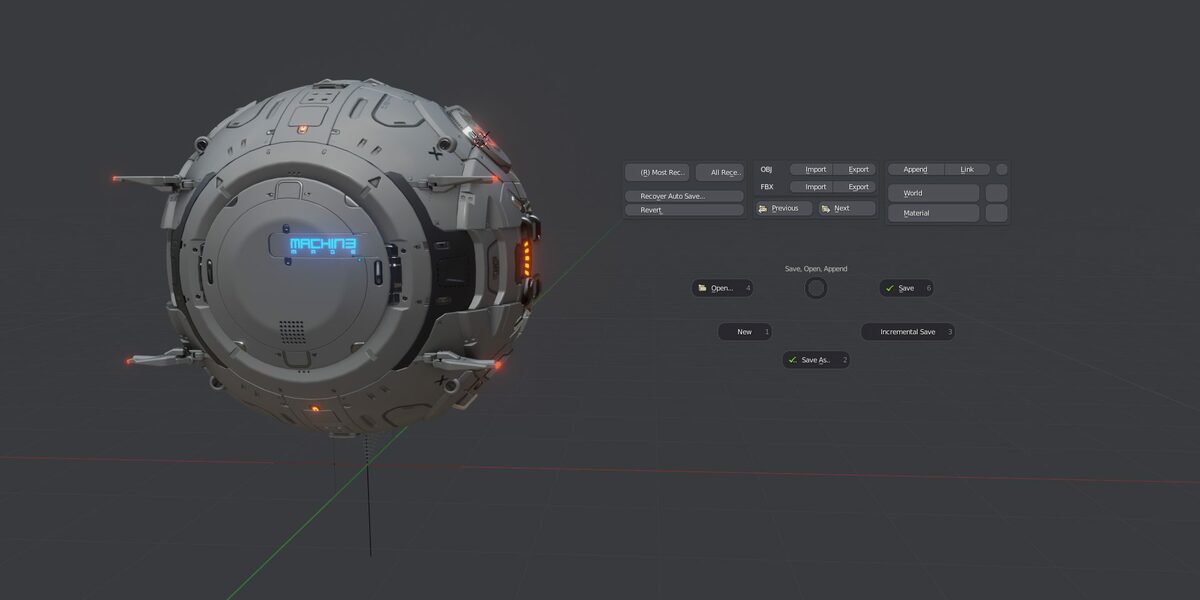
MACHIN3tools is a single package of pie menus and small tools that make everyday Blender work quicker. The pies are more than rearranged menus: many of them add their own operators, such as smarter saving with versioning, a shading pie with matcap and wireframe controls, or alignment options that Blender does not offer out of the box.
Main pieces
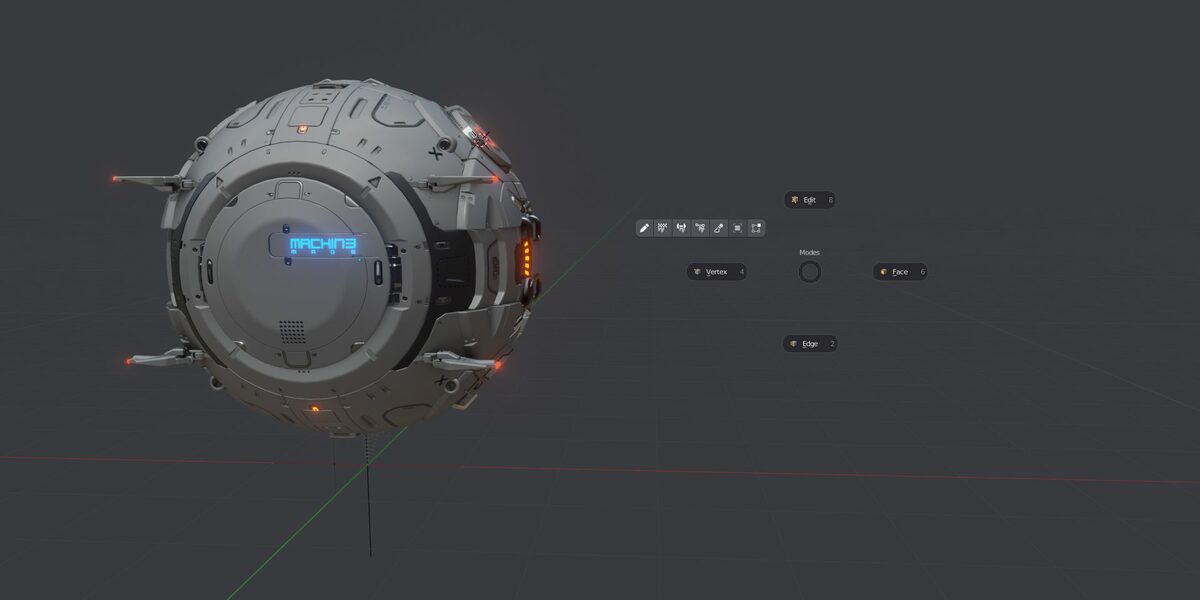
- Pie menus: Modes, Save, Shading, Views, Align, Cursor and Origin, Transform, Snapping, Collections, Workspace and Tools.
- Smart Vert, Smart Edge, Smart Face: one hotkey that does the most sensible merge, connect or fill action for your selection.
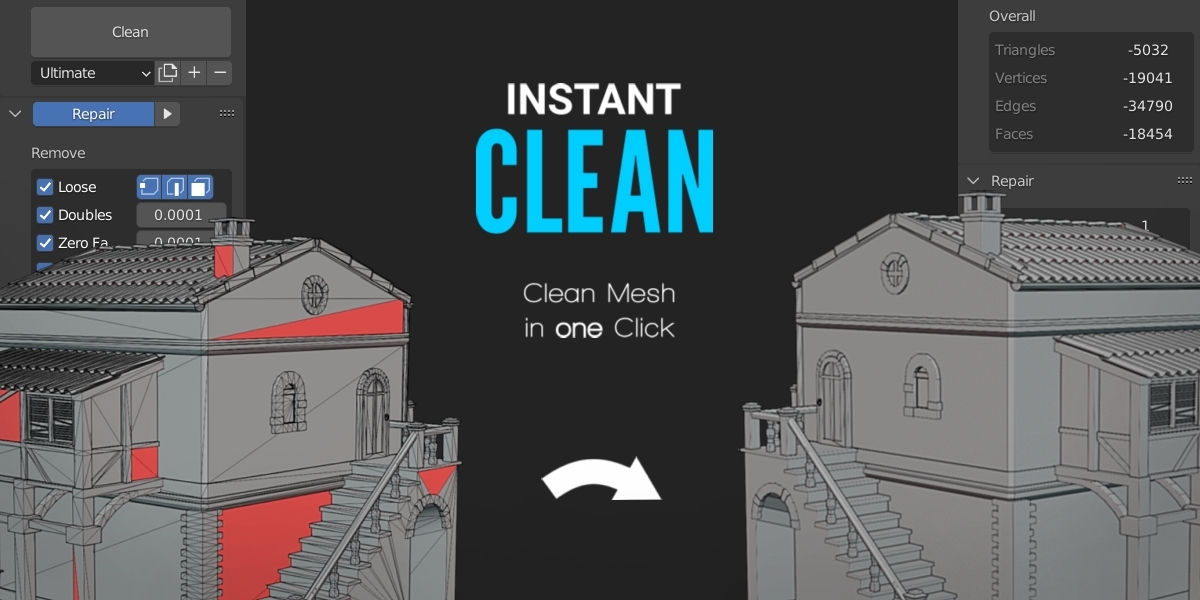
- Clean Up for removing loose geometry and redundant vertices, plus Mirror/Un-Mirror, Focus (local view done better), Material Picker, Surface Slide and Clipping Toggle.
- Grouping tools with group gizmos and poses, useful for assemblies.
Prime vs DeusEx
The cheaper Prime version includes most of the toolset. DeusEx adds edge-constrained transforms, group gizmos and poses, a PUNCHit-style manifold extrude and advanced assembly tools. Both include a year of updates. The current version supports Blender 4.2 LTS through 5.x.
Things to check before buying
Decide whether you need the DeusEx-only tools; for many people Prime is enough.
Strengths
- Pies add new tools, not just shortcuts to existing ones
- Very cheap entry tier
- Actively maintained with a public changelog
Worth knowing
- Some advanced tools are only in the DeusEx version
- Takes a while to discover everything it includes
Who it's for
Anyone who models daily in Blender and wants faster mode switching, saving, shading, alignment and cleanup without learning a big new system.
More videos from the creator
From the product page
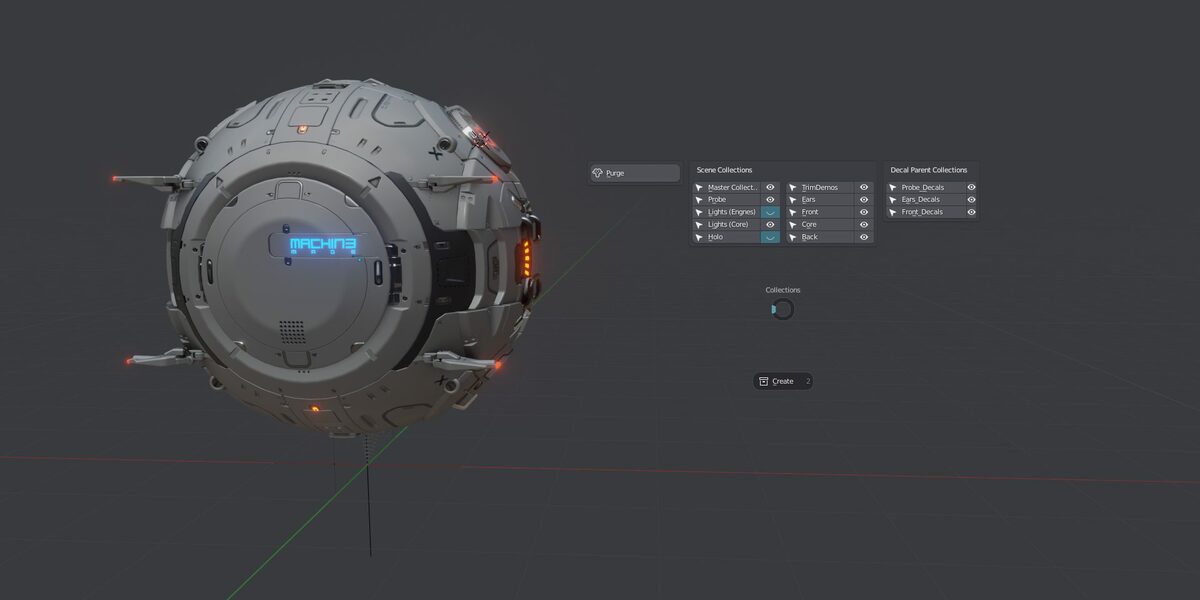
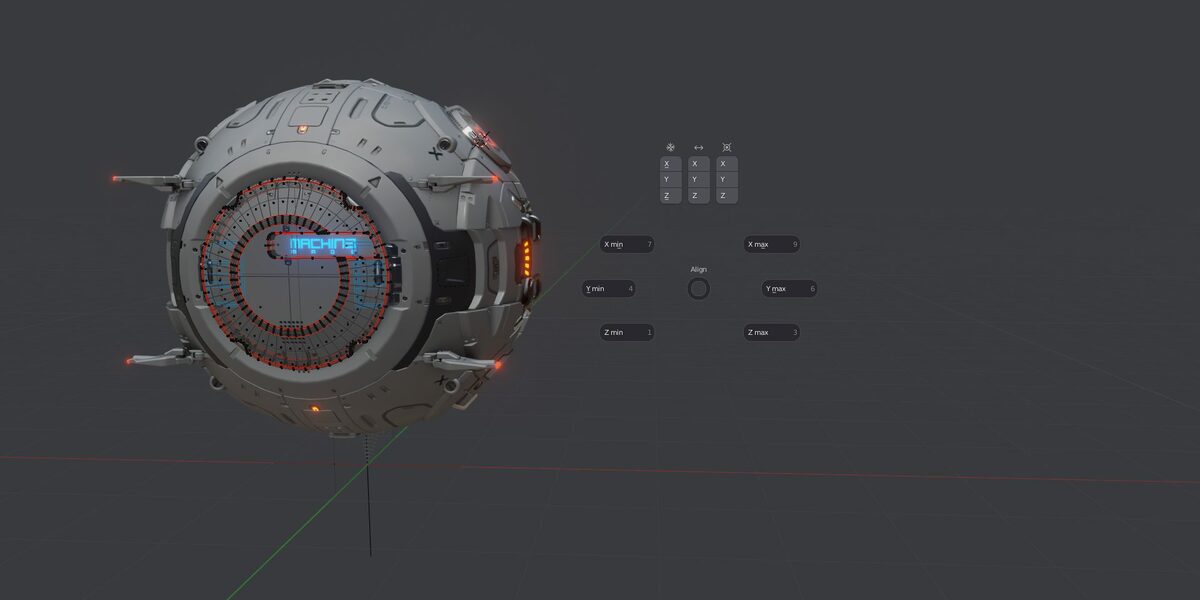
Images by MACHIN3, shown from the Superhive product page.
MACHIN3tools
Check the current price, version support and changelog on the creator's page.
See price on SuperhiveAffiliate link. How this works