Pivot Transform 5 + Gizmo/Save 3D Cursor
by Max Derksen
Fast pivot point editing: snap, align, rotate and save pivots, plus a gizmo and saved 3D cursor positions.
Not tested hands-on. Based on the creator’s documentation, demo videos, changelog and buyer feedback.
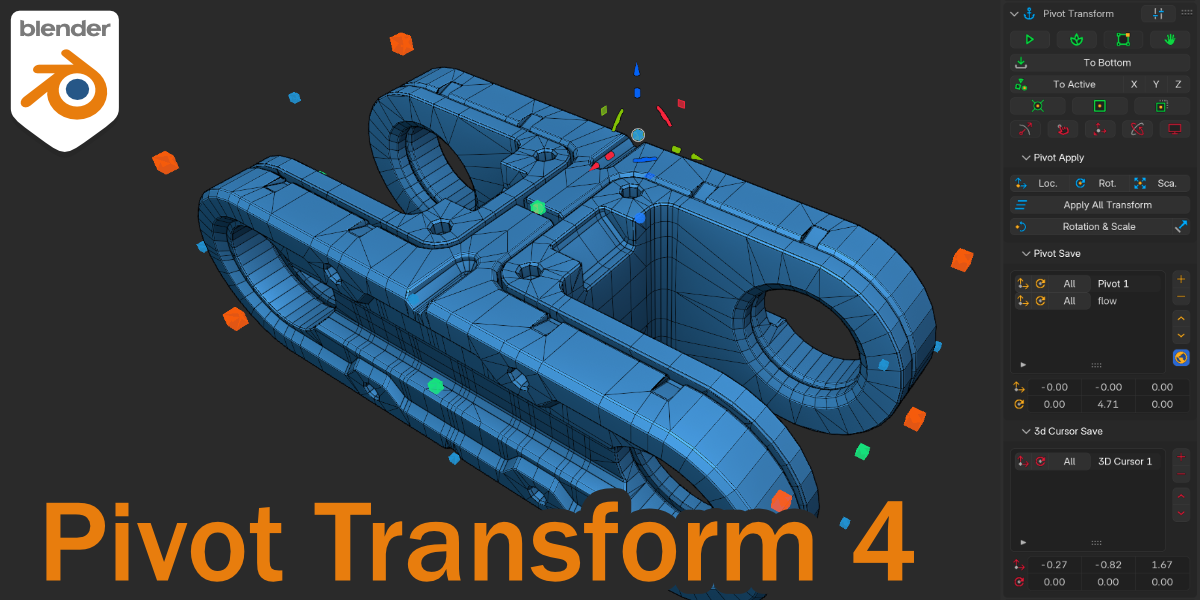
Cover image: Max Derksen, from the original product page.
Links to Superhive on this page are affiliate links. If you buy through them I earn a commission, at no extra cost to you.
What it does
Pivot Transform makes changing an object's pivot point quick. You can align it to a face normal, move and rotate it, put it at the centre or the 3D cursor, or snap it to the extremes of the bounding box.
Key features
- Transform the pivot directly.
- Pivot Drop and Pivot Flow for placing pivots on geometry.
- Pivot to Bottom and Mesh to Pivot.
- BBox alignment to the extreme points of an object.
- Save position and rotation of pivots and the 3D cursor in a separate panel.
- A gizmo for direct manipulation.
Things to check before buying
The creator keeps documentation on GitBook. It is most useful if you constantly adjust origins for hinges, assemblies and animation.
Strengths
- Align pivot to faces, bounding box or 3D cursor
- Save and restore pivot positions
- Integrated with Blender's own tools
Worth knowing
- Overlaps with some built-in Blender features
- Many functions to learn
Who it's for
Modelers and animators who often reposition origins or rotate parts like lids and doors around a specific point.
From the product page
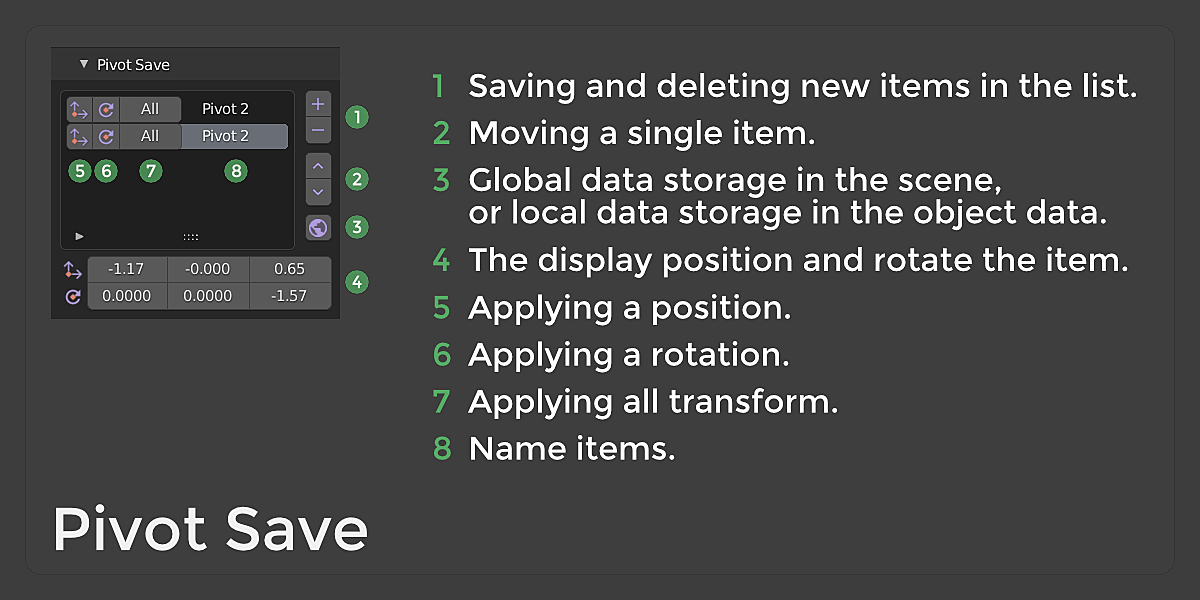


Images by Max Derksen, shown from the Superhive product page.
Pivot Transform 5 + Gizmo/Save 3D Cursor
Check the current price, version support and changelog on the creator's page.
See price on SuperhiveAffiliate link. How this works