All add-ons Materials & Shading
Grungit - 1-click wear and tear
by Abdou Bouam
Adds controllable wear and tear to materials with one click, light on performance and fully EEVEE-compatible.
Not tested hands-on. Based on the creator’s documentation, demo videos, changelog and buyer feedback.
Cover image: Abdou Bouam, from the original product page.
Links to Superhive on this page are affiliate links. If you buy through them I earn a commission, at no extra cost to you.
What it does
Grungit adds wear and tear to a model's materials automatically. The result can range from subtle surface imperfections to heavy damage, and every part of it stays adjustable.
Key features
- One-click wear for dirt, scratches, edge wear and grime.
- Fully controllable strength and style.
- Light on performance and compatible with EEVEE.
- Designed to assist rather than impose a style, and it does not change your workflow.
Price note
The creator has made Grungit free on other platforms. On Superhive it is listed at the lowest price the platform allows, and the creator says all revenue after fees goes to the Blender Development Fund.
Strengths
- One click, fully adjustable result
- Low performance impact, works in EEVEE
- Effectively free; revenue goes to the Blender Development Fund
Worth knowing
- Generic wear needs tweaking for specific materials
- Less control than a full texturing workflow
Who it's for
Anyone who wants quick dirt, scratches and edge wear on models without building wear shaders by hand.
From the product page
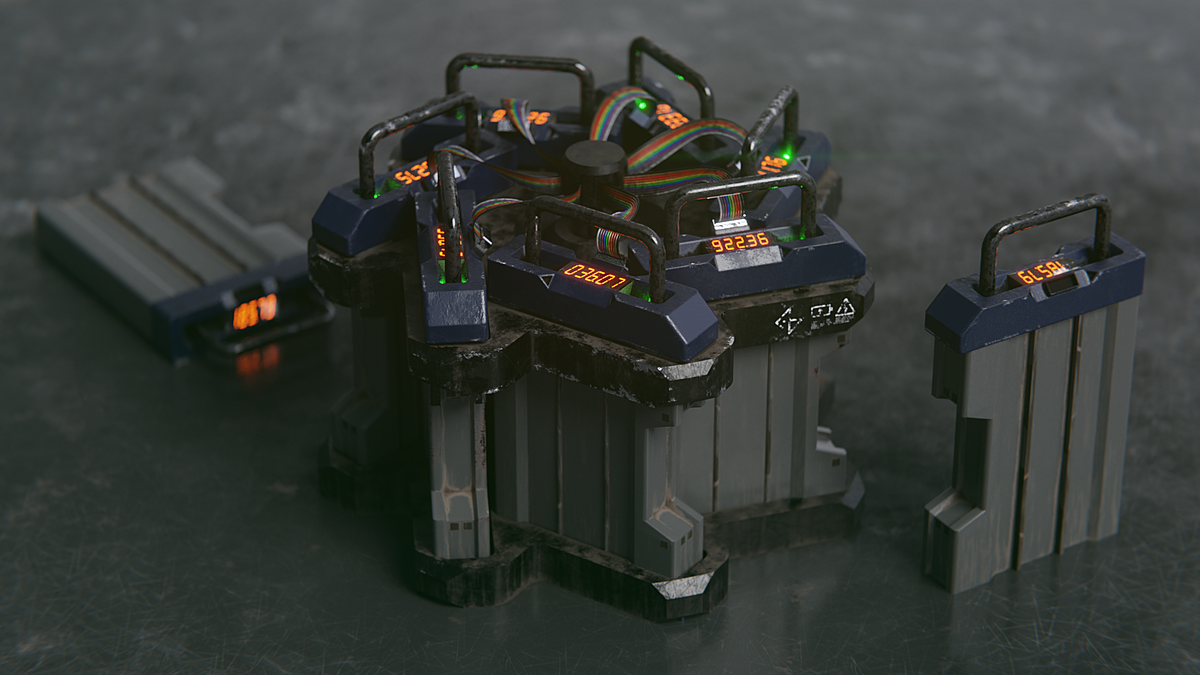
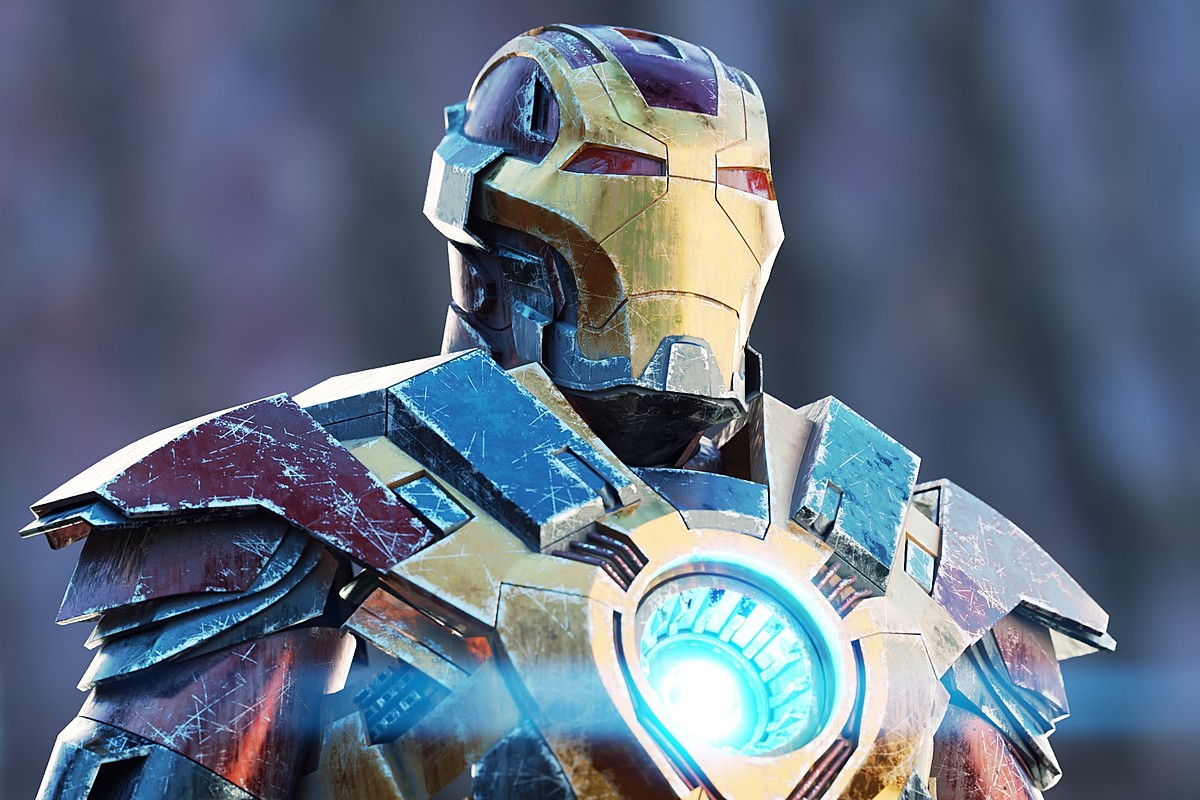
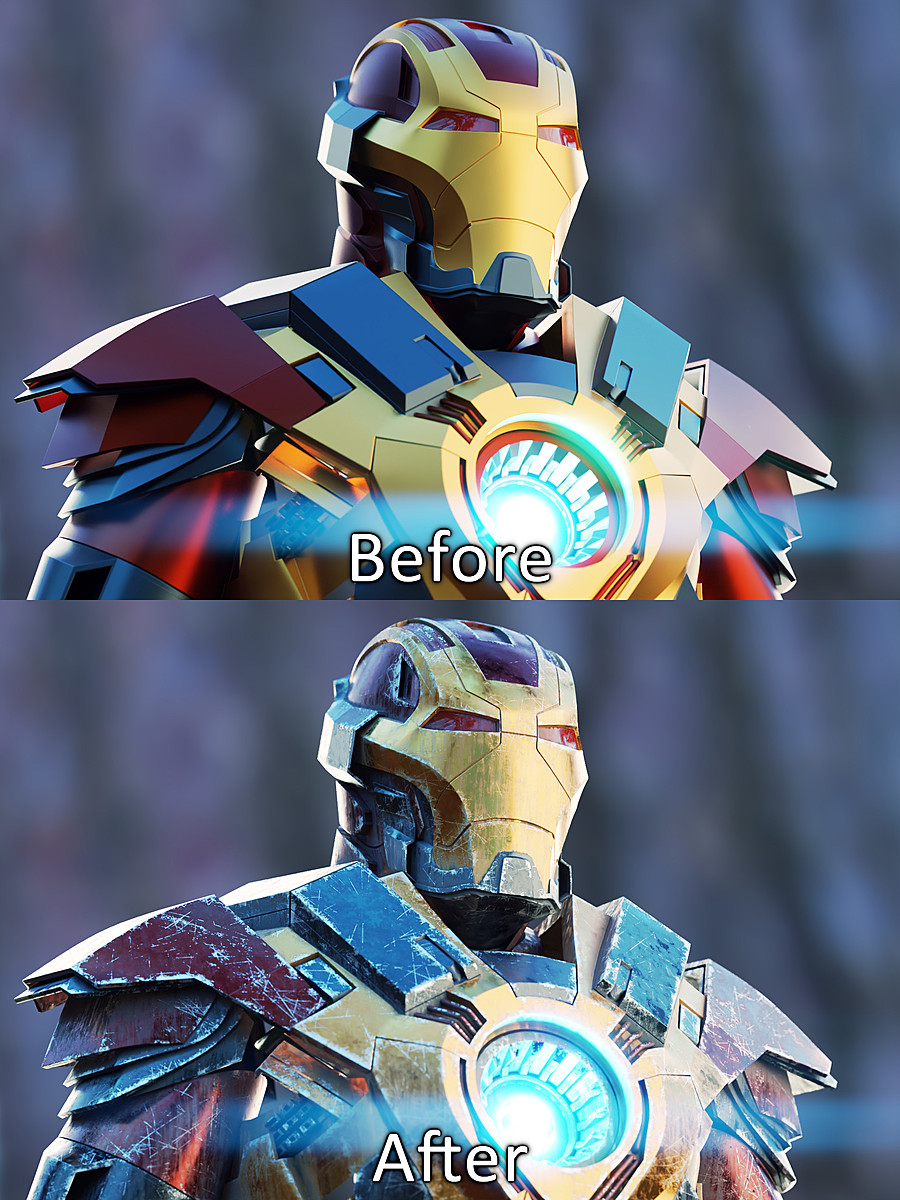
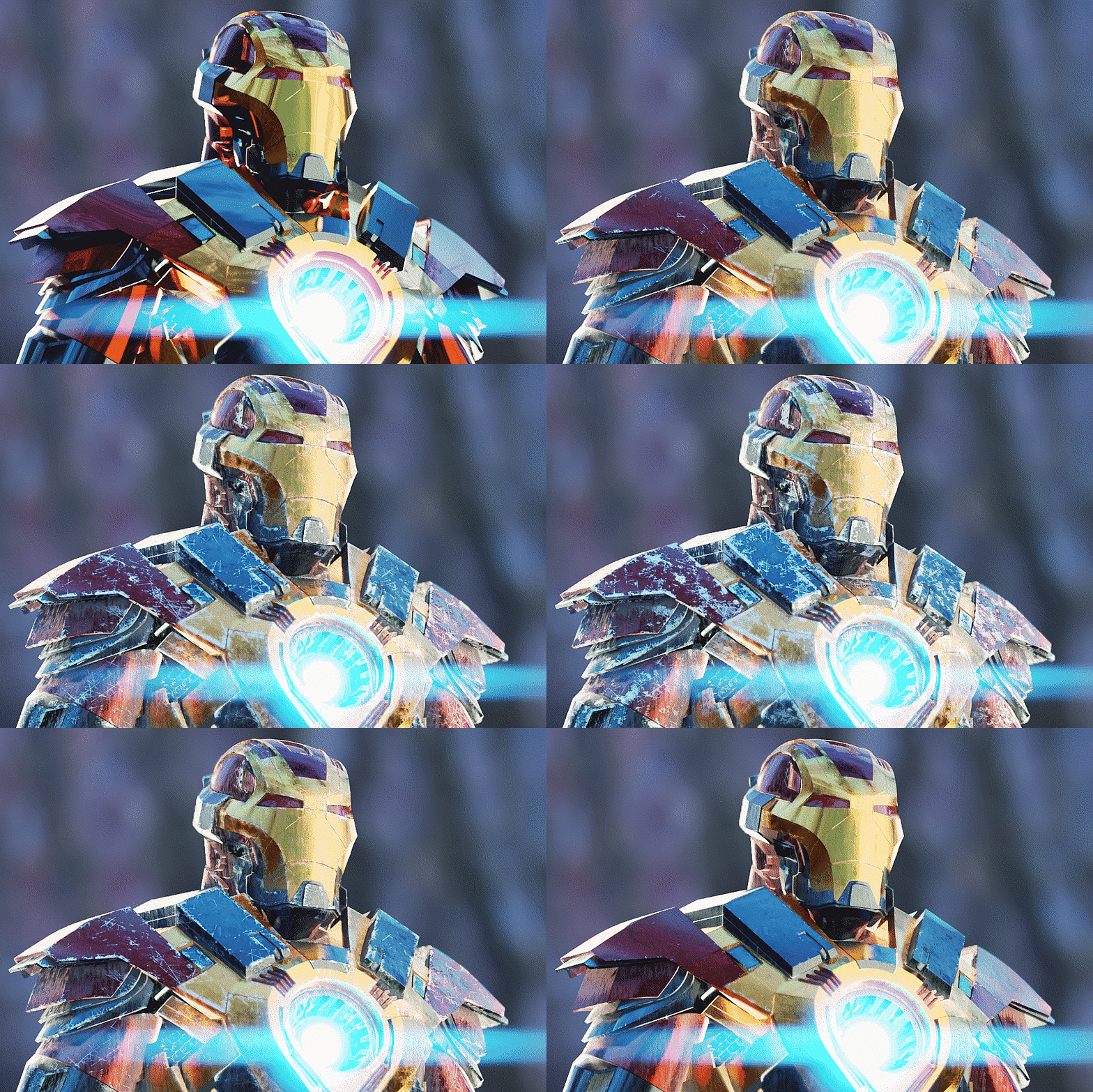
Images by Abdou Bouam, shown from the Superhive product page.
Grungit - 1-click wear and tear
Check the current price, version support and changelog on the creator's page.
See price on SuperhiveAffiliate link. How this works


