All add-ons Materials & Shading
Poly Haven Asset Browser
by Poly Haven
One-click access to Poly Haven's entire free CC0 library of HDRIs, materials and models from inside Blender.
Not tested hands-on. Based on the creator’s documentation, demo videos, changelog and buyer feedback.

Cover image: Poly Haven, from the original product page.
Links to Superhive on this page are affiliate links. If you buy through them I earn a commission, at no extra cost to you.
What it does
Poly Haven makes free, CC0-licensed HDRIs, PBR materials and 3D models. Everything is already free on their website; this add-on brings the whole library into Blender's Asset Browser so you can drag assets into a scene instead of downloading files and wiring up nodes yourself.
Key features
- Full library access: more than 2000 assets made by over 100 artists, including unclipped HDRIs, full PBR texture sets and hand-modelled props.
- Adjustable resolution: assets come in at 1K by default, and a drop-down swaps them up to the high-resolution versions (HDRIs up to 16K and beyond, materials at 8K).
- Auto texture scale: a button calculates the right mapping scale so materials look correct on your object.
- One-click displacement setup for materials that include height maps.
Things to check before buying
You are paying for convenience and to support Poly Haven, not for the assets. The same add-on is available through their Patreon for $5 a month, and the team plans to release it for free once enough patrons sign up.
Strengths
- 2000+ high-quality CC0 assets in one place
- Fixes texture scale and adds displacement automatically
- Purchase directly funds free content
Worth knowing
- The assets themselves are free on the website
- Higher resolutions mean large downloads
Who it's for
Artists who already use Poly Haven assets and want them in Blender's Asset Browser without downloading and setting up each one by hand.
From the product page


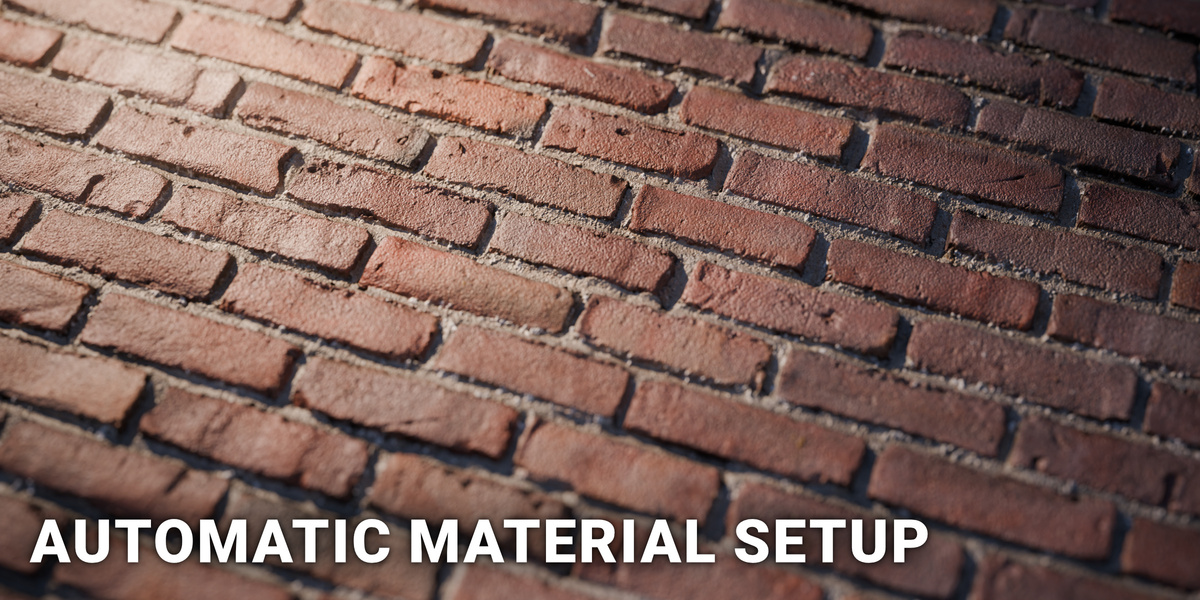
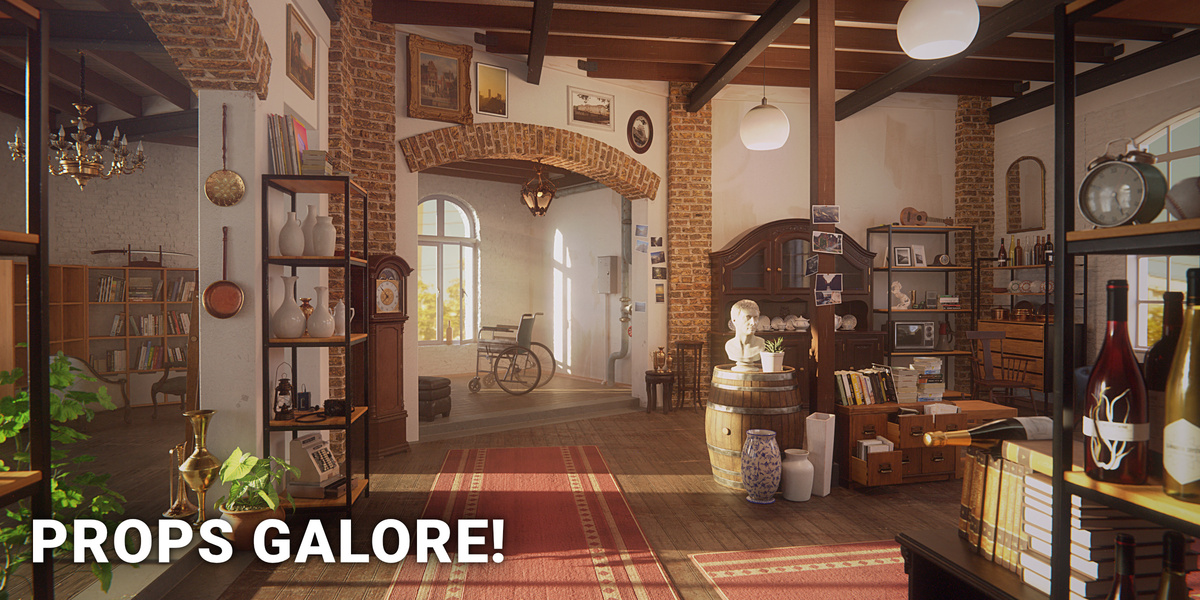
Images by Poly Haven, shown from the Superhive product page.
Poly Haven Asset Browser
Check the current price, version support and changelog on the creator's page.
See price on SuperhiveAffiliate link. How this works


