N-Panel Organizer - Clean Panels
by Amandeep
Organises a crowded N-panel by grouping add-on tabs into categories and workspaces, so you only see what you need.
Not tested hands-on. Based on the creator’s documentation, demo videos, changelog and buyer feedback.
Cover image: Amandeep, from the original product page.
Links to Superhive on this page are affiliate links. If you buy through them I earn a commission, at no extra cost to you.
What it does
Clean Panels tackles the problem of too many add-ons. It reorganises the N-panel so tabs are grouped into categories you define, letting you switch between setups for different kinds of work.
Key features
- Group tabs from multiple add-ons into custom categories.
- Workflow setups for tasks like modeling, landscapes or lighting.
- Simpler setup in the redesigned version 7.
- Discord community for updates and support.
Things to check before buying
There is also Clean Panels Pro with more management features, including faster Blender start-up. Compare both before buying.
Strengths
- Group add-on tabs into custom categories
- Workflow-based setups for different tasks
- Redesigned setup in version 7
Worth knowing
- Initial organisation takes some time
- Pro version adds more features
Who it's for
Users with many add-ons whose sidebar has become a long, unmanageable list of tabs.
More videos from the creator
From the product page
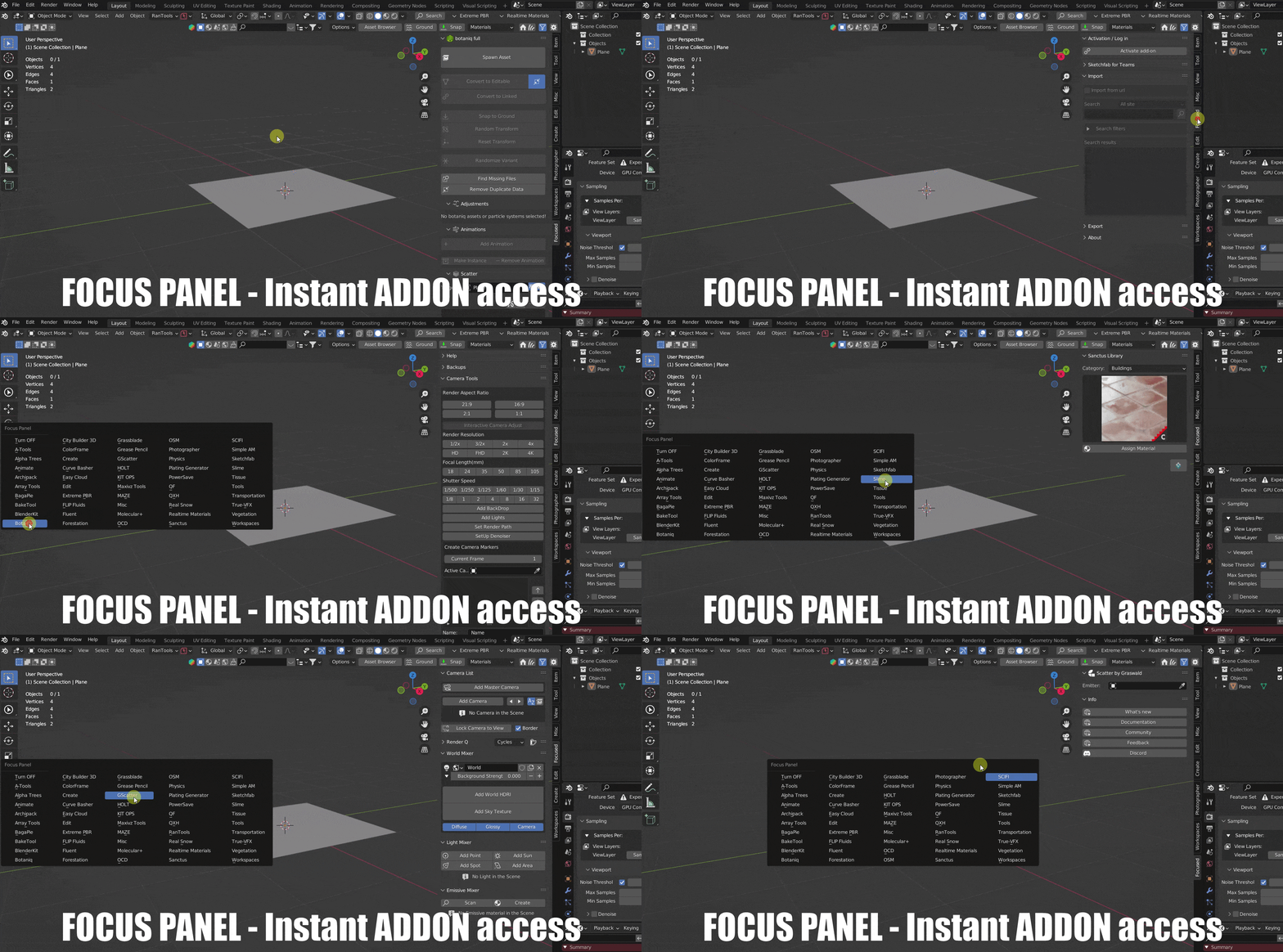

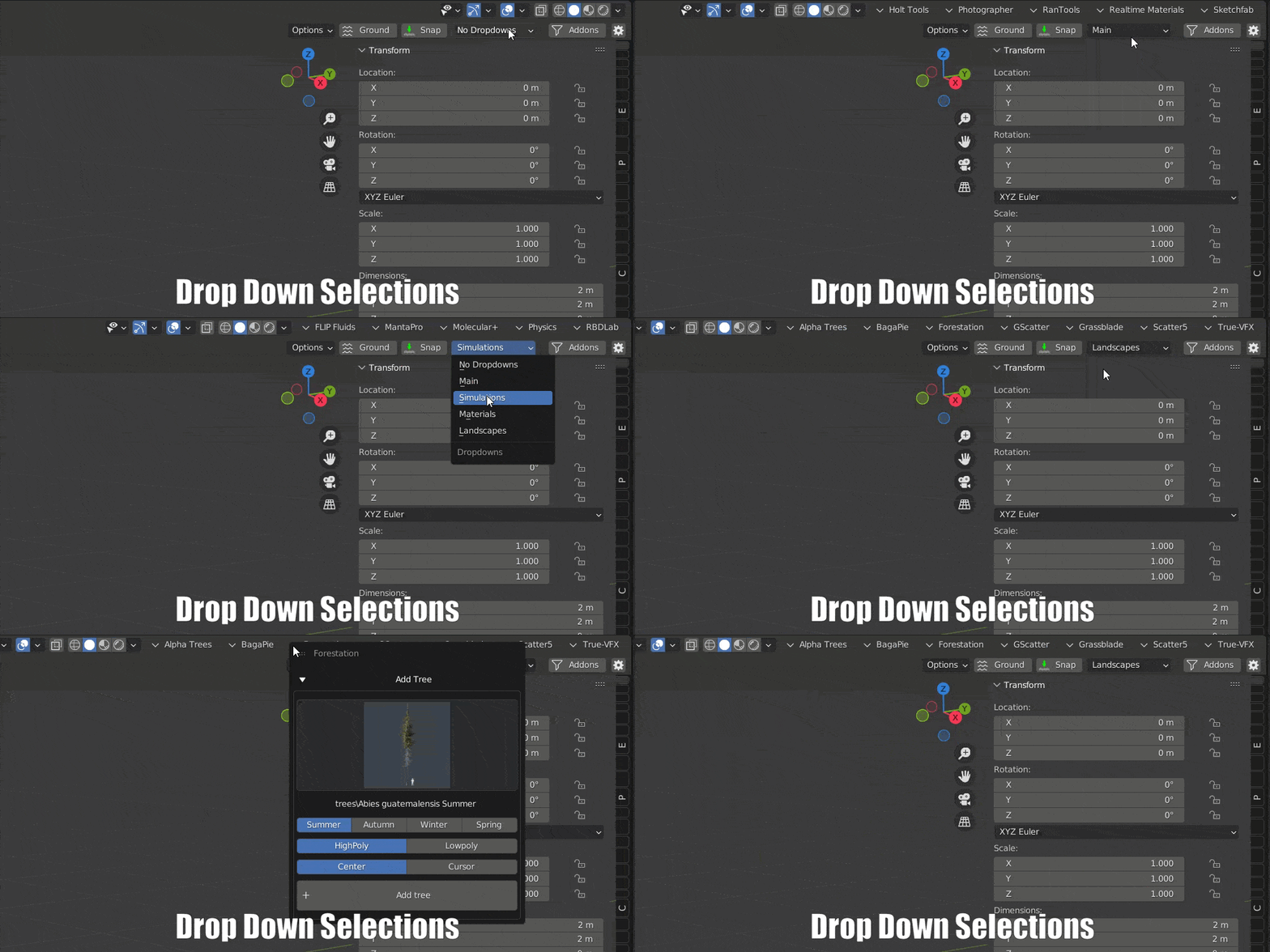
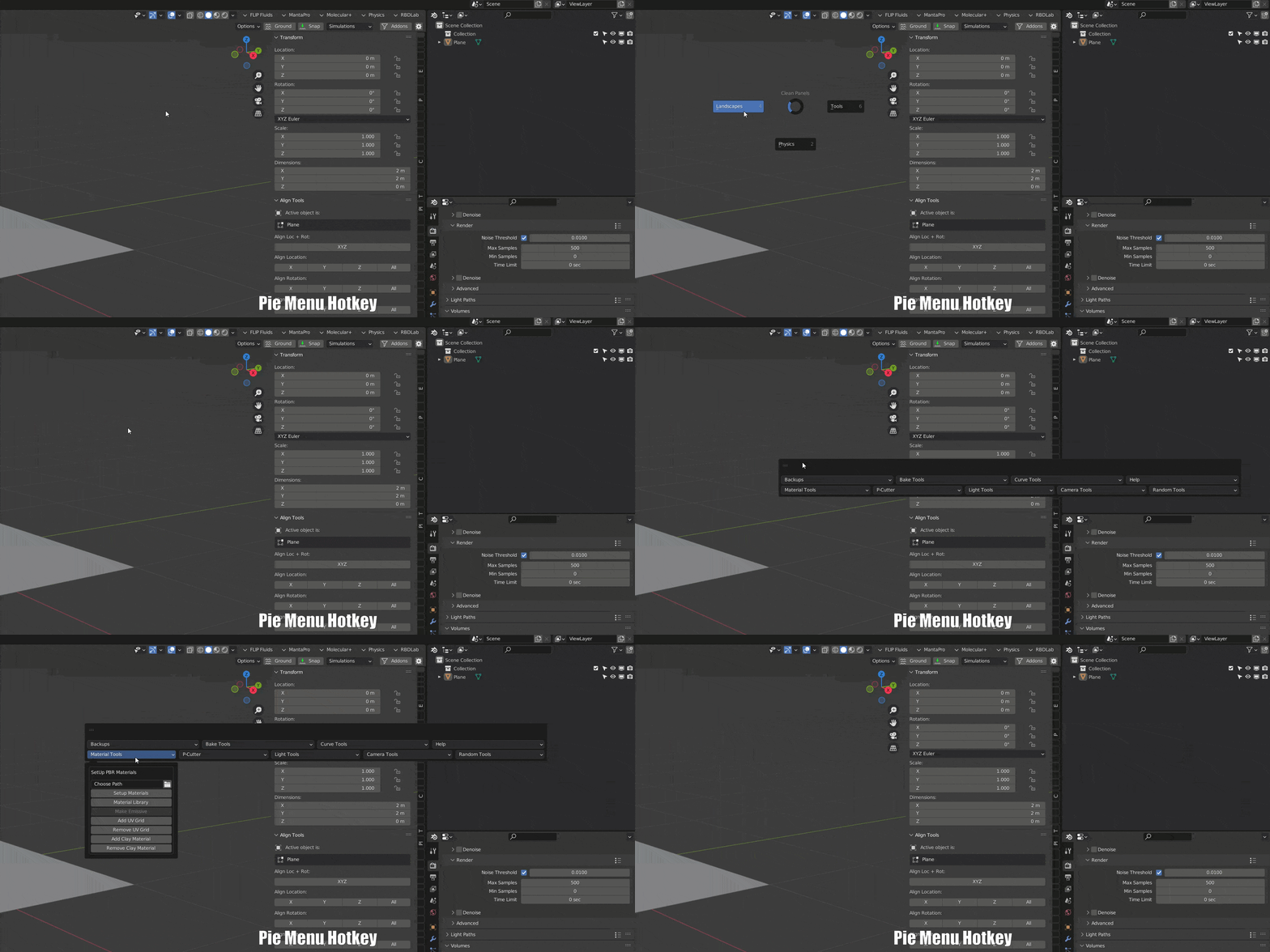
Images by Amandeep, shown from the Superhive product page.
N-Panel Organizer - Clean Panels
Check the current price, version support and changelog on the creator's page.
See price on SuperhiveAffiliate link. How this works