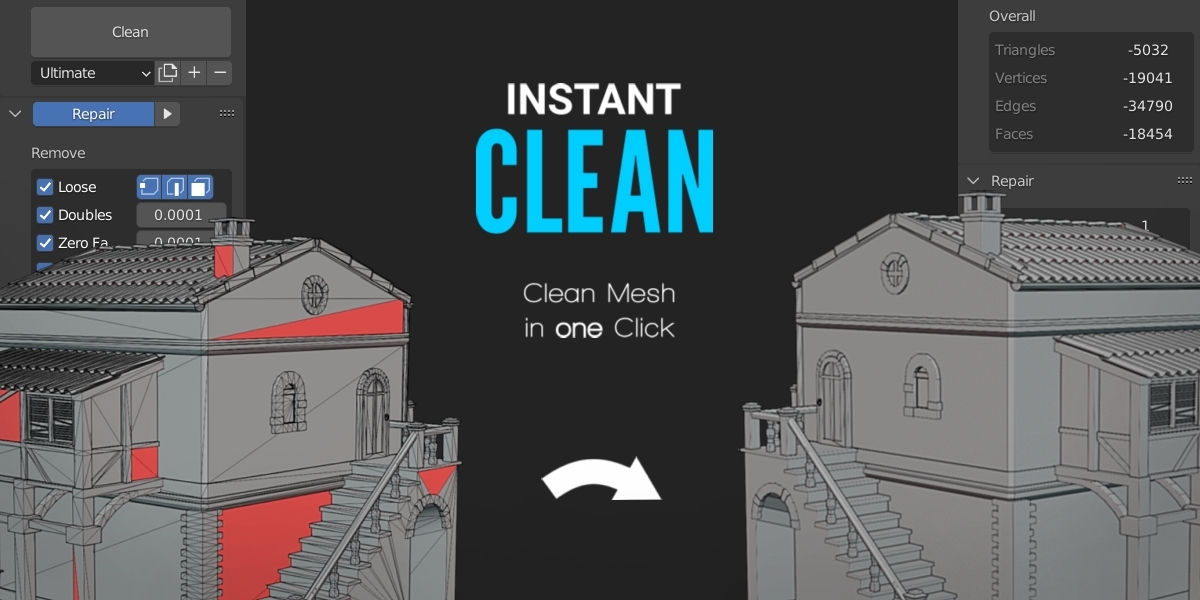
Clean Panels Pro - With Delayed Addon Loading
by Amandeep
The Pro version of Clean Panels, adding delayed add-on loading so Blender starts faster with many add-ons installed.
Not tested hands-on. Based on the creator’s documentation, demo videos, changelog and buyer feedback.

Cover image: Amandeep, from the original product page.
Links to Superhive on this page are affiliate links. If you buy through them I earn a commission, at no extra cost to you.
What it does
Clean Panels Pro includes everything in Clean Panels, which groups and organises N-panel tabs, and adds delayed add-on loading. You choose which add-ons load when Blender starts and switch the others on with one click when you need them.
Key features
- Delayed loading to speed up Blender start-up, especially with add-ons that check for updates online.
- N-panel organisation with custom categories and workflow setups.
- Quick enable for add-ons you only use occasionally.
- Version 7.1 supports Blender 5.2.
Things to check before buying
If start-up time is not a problem for you, the standard Clean Panels may be enough. Test any add-ons that need to run at start-up before delaying them.
Strengths
- Delay loading add-ons until you need them
- Includes all Clean Panels organisation features
- Supports Blender 5.2
Worth knowing
- Costs more than standard Clean Panels
- Some add-ons may not like being loaded late
Who it's for
Users with dozens of add-ons whose Blender takes too long to start and whose sidebar is overcrowded.
More videos from the creator
From the product page
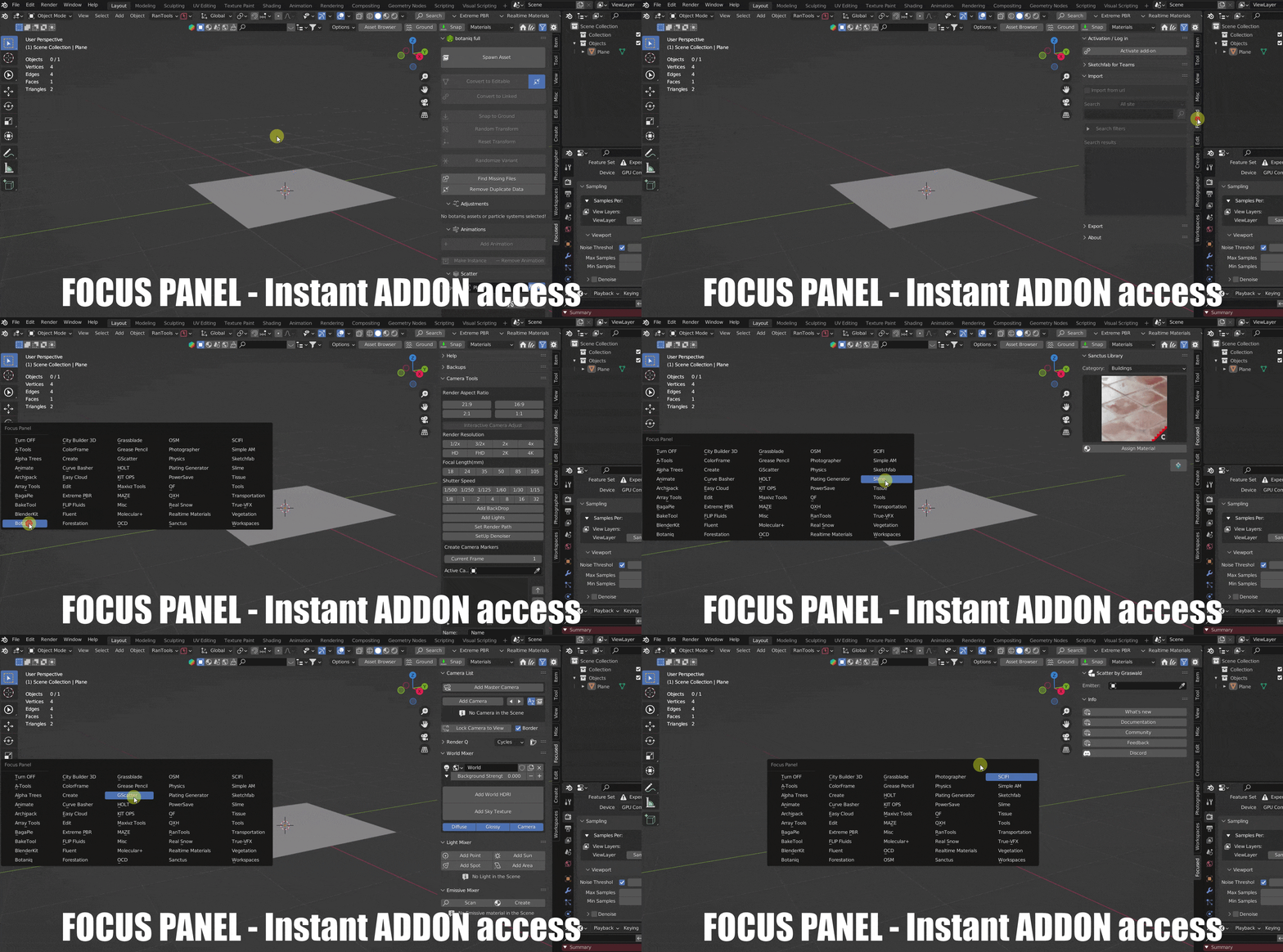
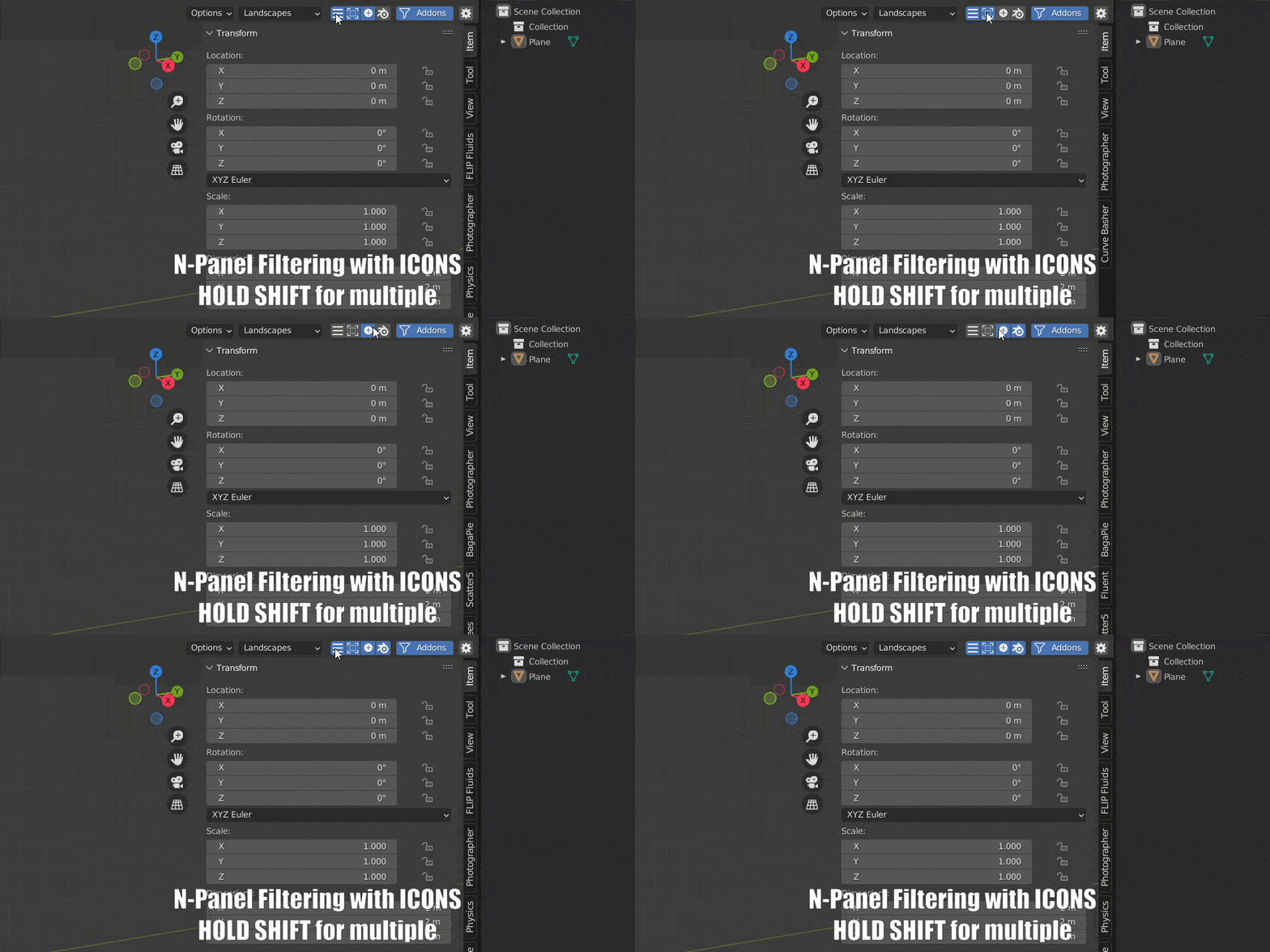


Images by Amandeep, shown from the Superhive product page.
Clean Panels Pro - With Delayed Addon Loading
Check the current price, version support and changelog on the creator's page.
See price on SuperhiveAffiliate link. How this works