TraceGenius Pro 4.7 - Advanced 2D Image to 3D Mesh Tracer
Converts 2D images like logos and icons into 3D meshes, with outline or face extraction, extrusion and bevel.
Not tested hands-on. Based on the creator’s documentation, demo videos, changelog and buyer feedback.

Cover image: Russel Studios, from the original product page.
Links to Superhive on this page are affiliate links. If you buy through them I earn a commission, at no extra cost to you.
What it does
TraceGenius Pro turns a 2D image into a 3D mesh. Drop in a logo or drawing, set the threshold, and the add-on traces outlines or filled shapes that you can extrude and bevel.
Key features
- Drag and drop or open image files.
- Extract outlines or faces depending on the look you want.
- Invert selection to trace the background instead.
- Colour and brightness thresholds for fine control.
- Extrude and bevel the result for depth and detail.
- Separate parts into individual objects after tracing.
- Supports Blender 2.8 and newer.
Things to check before buying
The creator stresses that Pro and Ultimate are different add-ons: Pro uses Blender's built-in Grease Pencil tracer, while Ultimate has a custom engine with colour picking, transparency control and pre-trace enhancement. Pick based on how complex your source images are.
Strengths
- Drag-and-drop image tracing
- Threshold controls for colour and brightness
- Extrude, bevel and separate parts after tracing
Worth knowing
- Uses Blender's Grease Pencil tracer, not a custom engine
- Complex photos trace less cleanly than graphics
Who it's for
Motion designers and modelers who need 3D versions of logos, signs, silhouettes or line art quickly.
From the product page
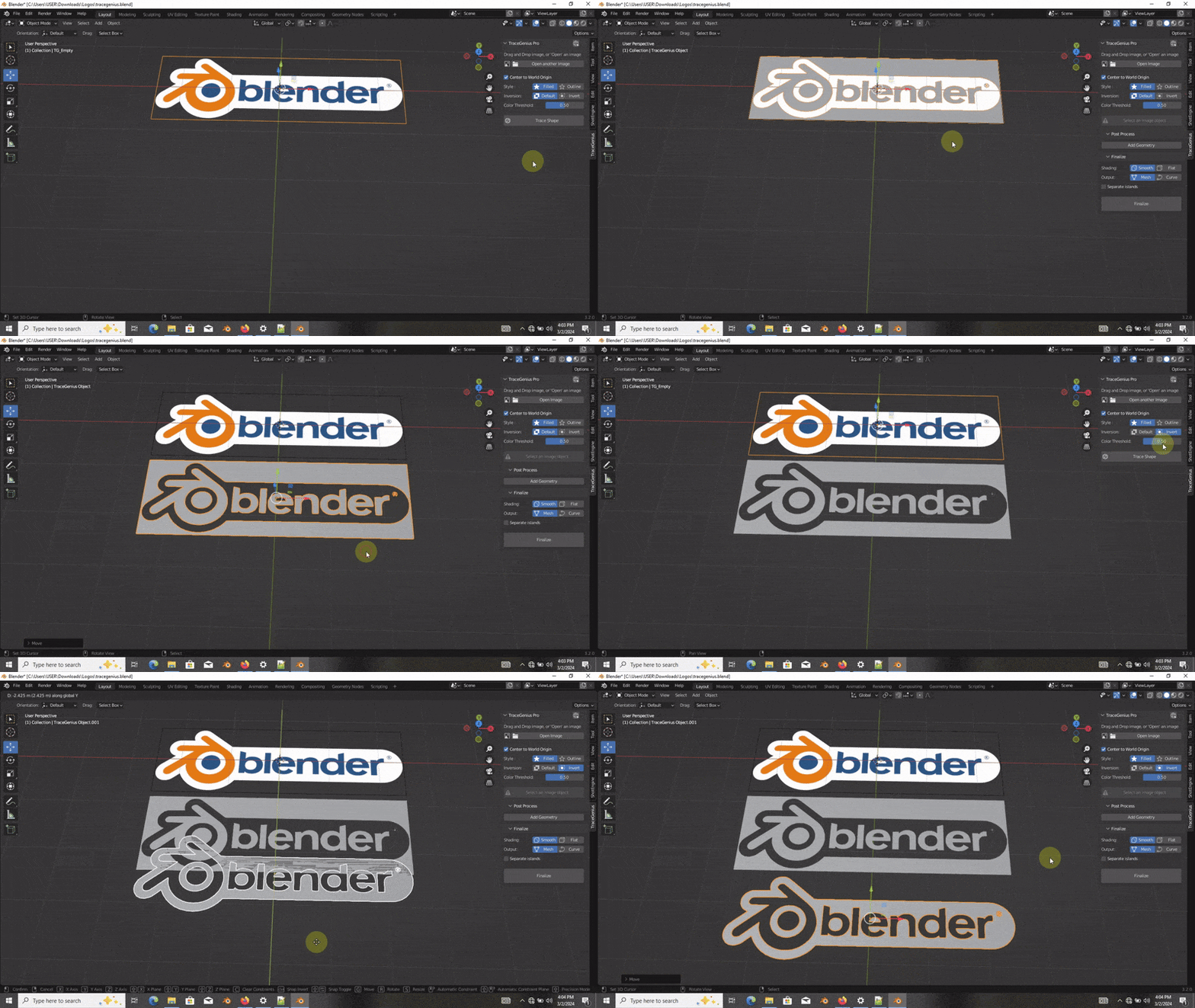
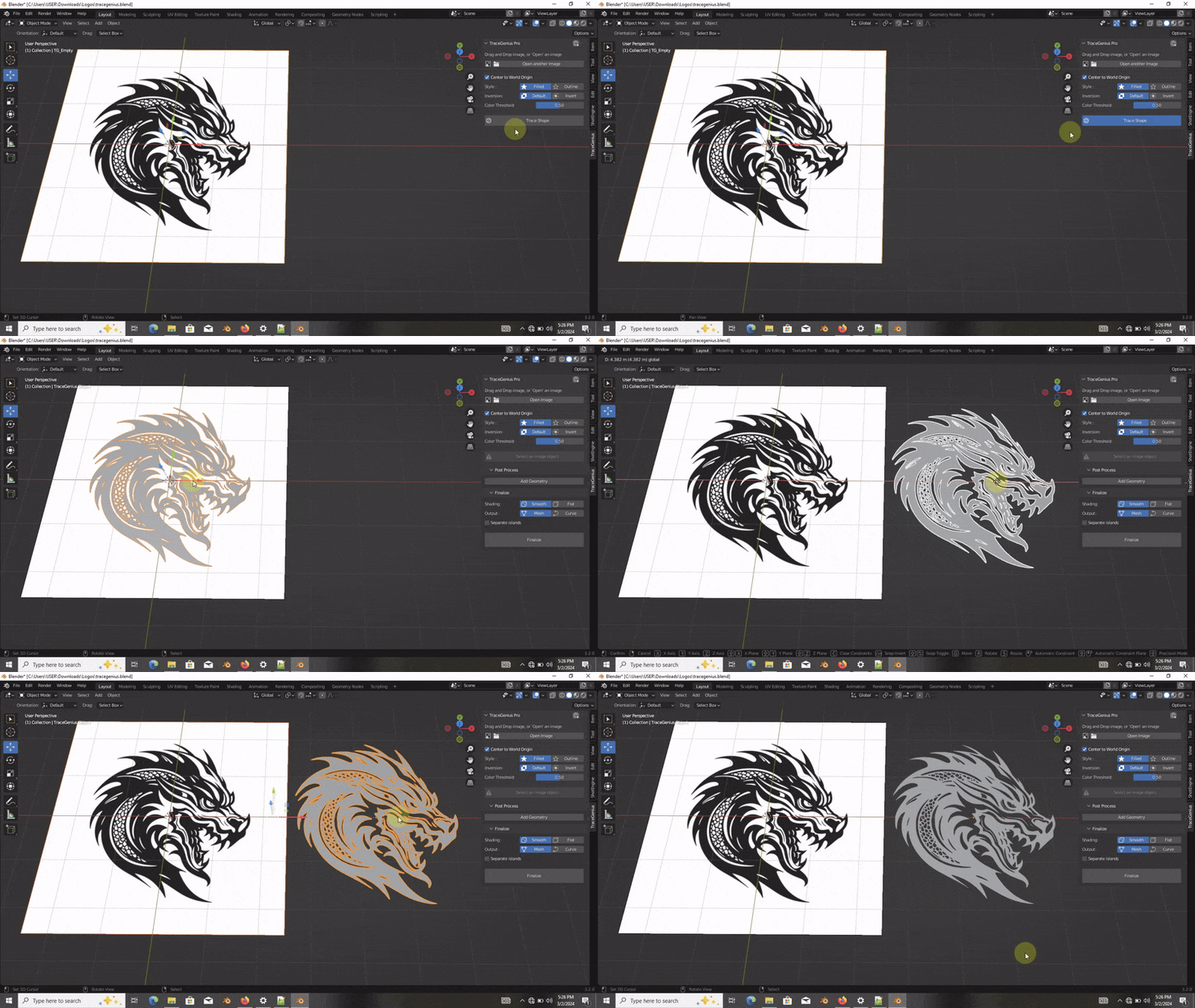
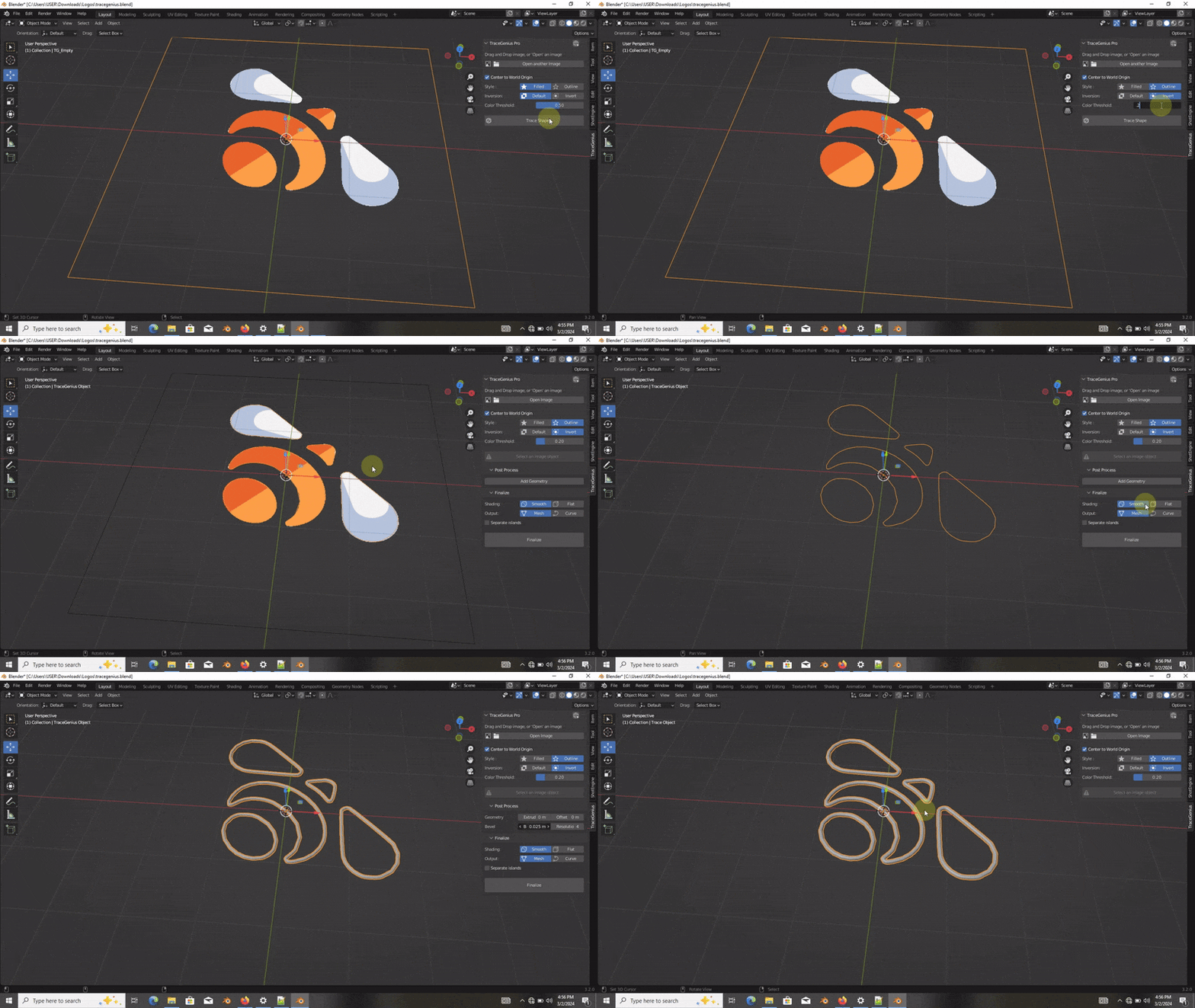
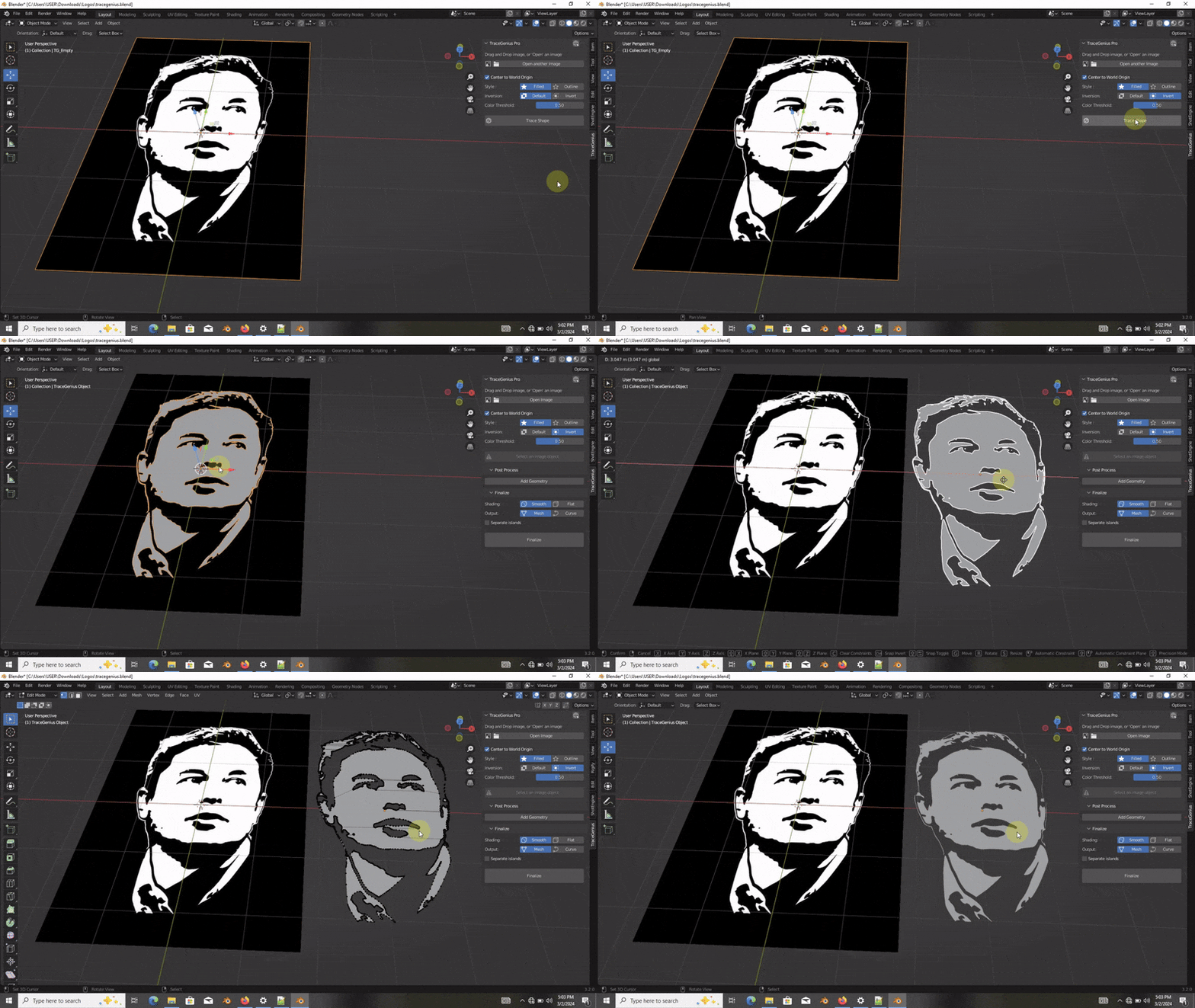
Images by Russel Studios, shown from the Superhive product page.
TraceGenius Pro 4.7 - Advanced 2D Image to 3D Mesh Tracer
Check the current price, version support and changelog on the creator's page.
See price on SuperhiveAffiliate link. How this works