Tesselator - Quadrilateral Remeshing
by Jeacom
A remeshing add-on that turns sculpts into regular quad, triangle or quad-dominant meshes, guided by Grease Pencil strokes.
Not tested hands-on. Based on the creator’s documentation, demo videos, changelog and buyer feedback.
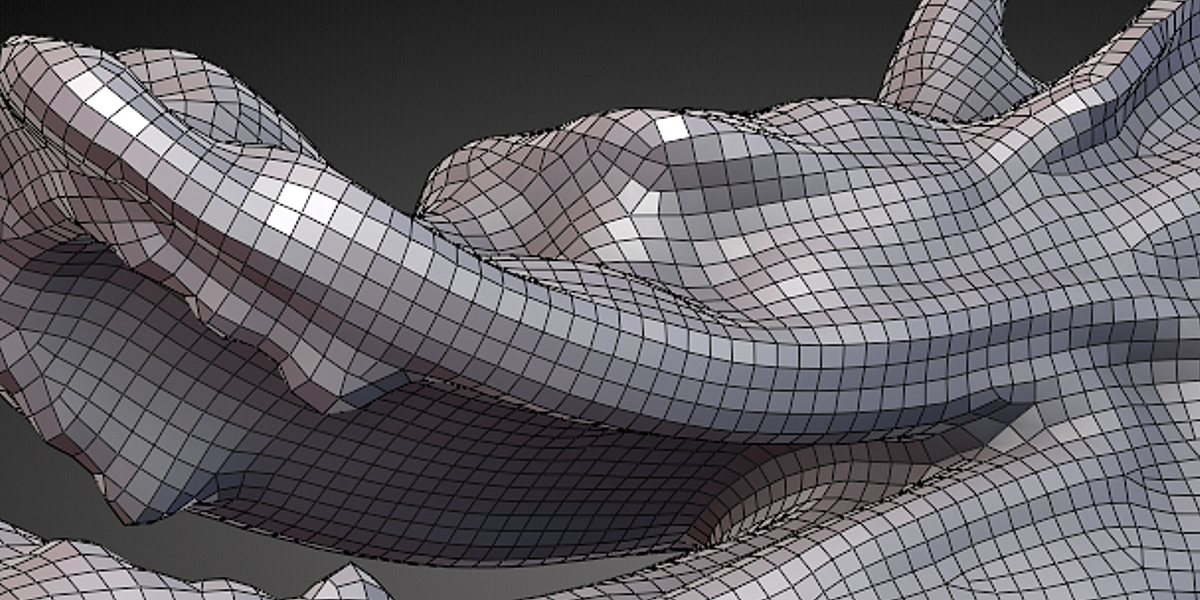
Cover image: Jeacom, from the original product page.
Links to Superhive on this page are affiliate links. If you buy through them I earn a commission, at no extra cost to you.
What it does
Tesselator remeshes sculpts into regular topology. It simulates particles that spread across the surface, optionally guided by Grease Pencil strokes, and builds a quad and triangle mesh from them.
Key features
- Pure quad, pure triangle or quad-dominant meshes.
- Flow control with Grease Pencil guides.
- Tesselator 1.28 (for Blender 2.8 and newer) adds density masking, sharp feature support and an improved triangle mode.
Things to check before buying
The creator is upfront that results are not exact but work well for simple models. Hero characters still benefit from manual retopology. Check compatibility with current Blender versions on the product page.
Strengths
- Pure quads, pure triangles or quad-dominant output
- Flow can be guided with Grease Pencil
- Newer version adds density masking and sharp features
Worth knowing
- Not exact; best on simpler shapes
- Documentation for the newer version was limited
Who it's for
Sculptors who want a quick, cleaner base mesh from a sculpt before manual retopology or for simple models.
More videos from the creator
From the product page
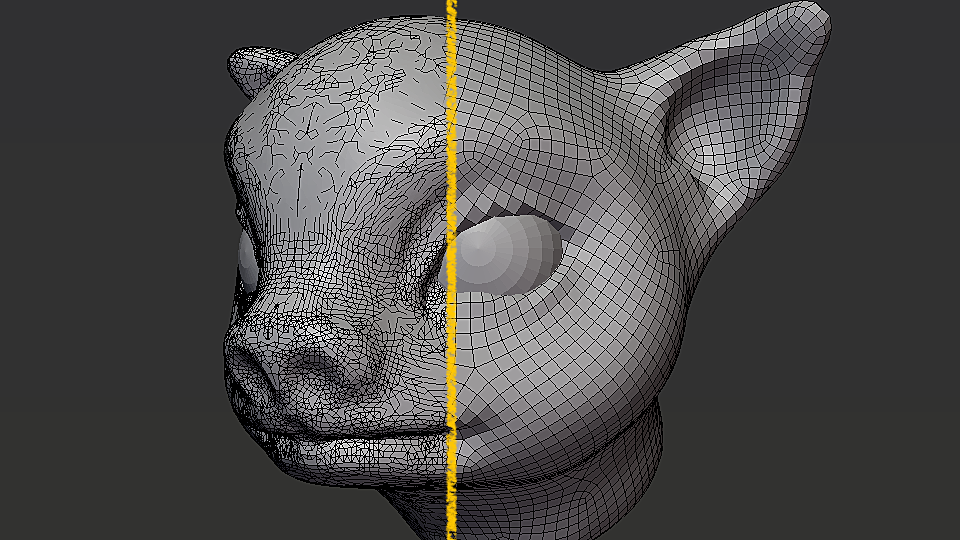
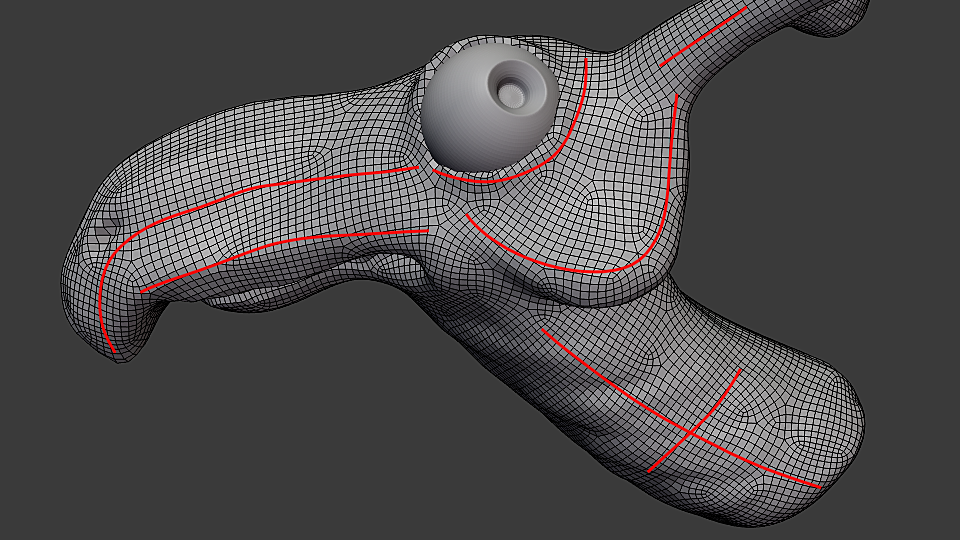
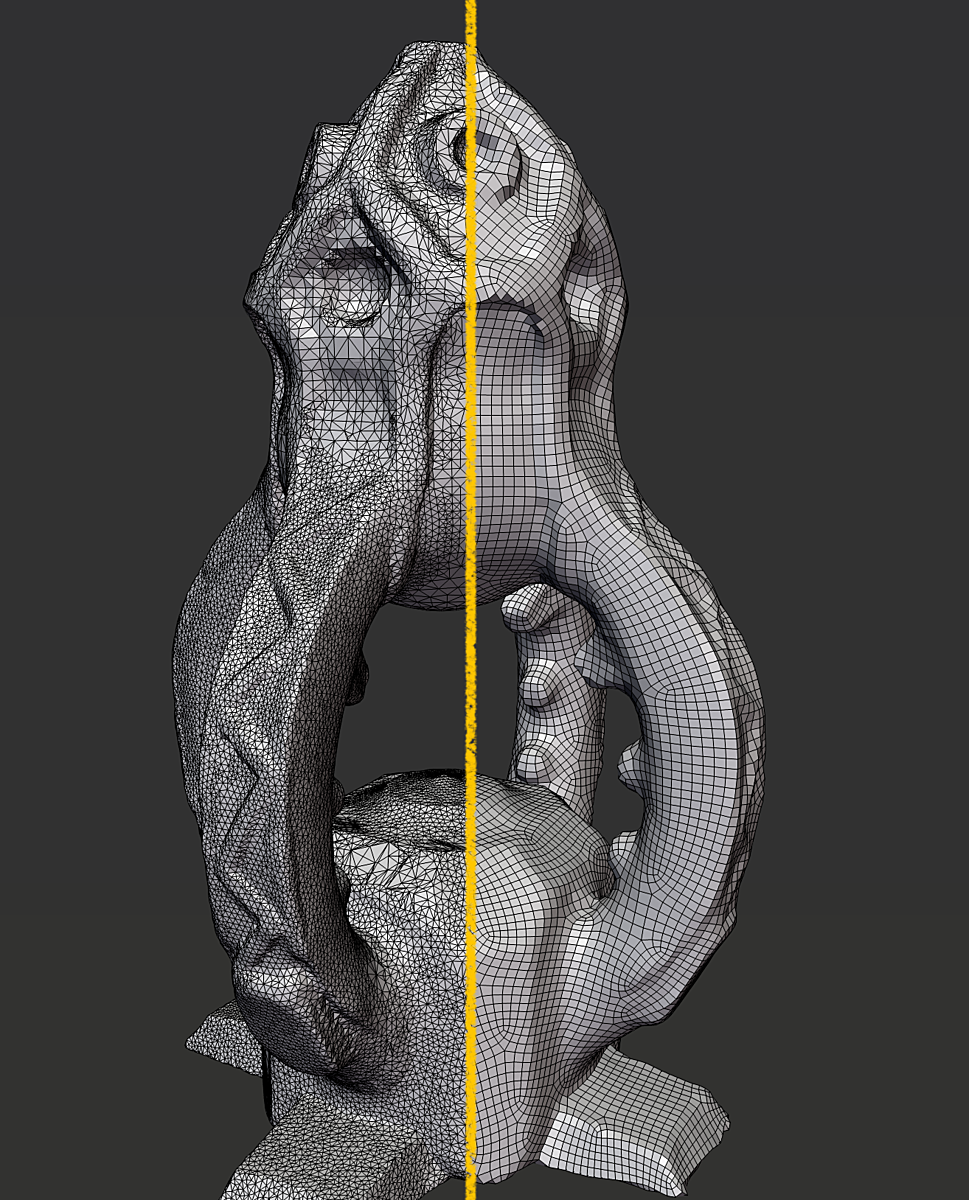
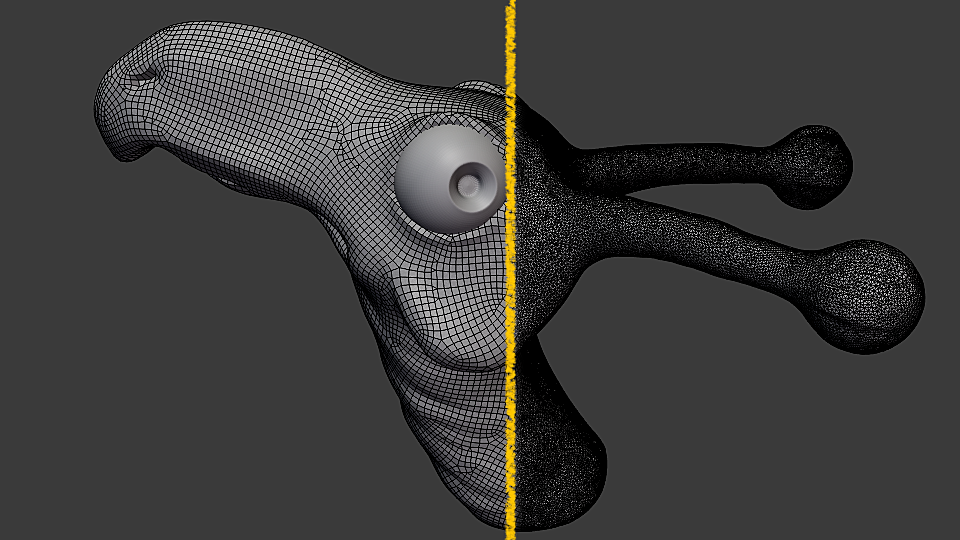
Images by Jeacom, shown from the Superhive product page.
Tesselator - Quadrilateral Remeshing
Check the current price, version support and changelog on the creator's page.
See price on SuperhiveAffiliate link. How this works