Simple Bend
by KushiroCG
Bends selected parts of a subdivided mesh by dragging an on-screen axis, including bends around a custom edge axis.
Not tested hands-on. Based on the creator’s documentation, demo videos, changelog and buyer feedback.
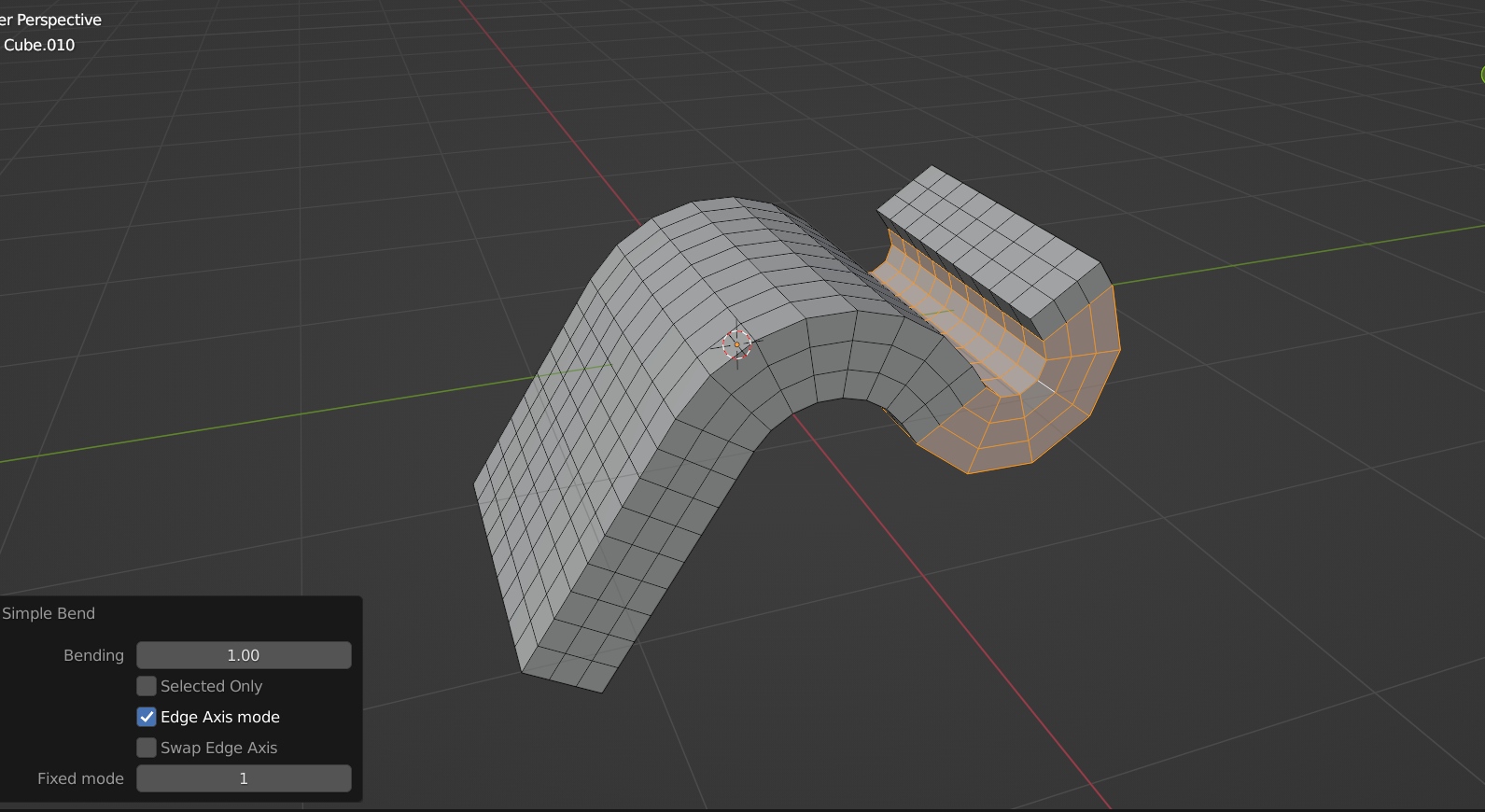
Cover image: KushiroCG, from the original product page.
Links to Superhive on this page are affiliate links. If you buy through them I earn a commission, at no extra cost to you.
What it does
Simple Bend bends a selection of a subdivided mesh by dragging a yellow axis on screen. You can bend the whole selection or just one part while connected geometry follows along.
How it works
- Add edge loops or subdivide the area you want to bend.
- Select the faces to bend.
- Run the tool and drag the axis.
Key features
- Interactive bending with an on-screen axis.
- Partial bending where connected parts follow (press C to choose the part).
- Edge Axis mode: uses your last two selected edges to define a custom bending axis and direction, for bends at any angle.
Things to check before buying
The creator notes this is the older version and sells a newer product called Simple Bend Ex. Compare the two before buying.
Strengths
- Drag an axis in the viewport to bend
- Bend only part of a mesh while the rest follows
- Edge Axis mode for custom angles
Worth knowing
- This is the old version; Simple Bend Ex is newer
- Needs enough edge loops to bend smoothly
Who it's for
Modelers who bend pipes, rails, panels or limbs and want something more direct than the Simple Deform modifier.
Simple Bend
Check the current price, version support and changelog on the creator's page.
See price on SuperhiveAffiliate link. How this works