Baga Rain Generator
Adds falling rain, splashes and wet rain shaders to scenes with Geometry Nodes, affecting only surfaces exposed to the sky.
Not tested hands-on. Based on the creator’s documentation, demo videos, changelog and buyer feedback.

Cover image: antoine bagattini, from the original product page.
Links to Superhive on this page are affiliate links. If you buy through them I earn a commission, at no extra cost to you.
What it does
Baga Rain Generator creates rain with Geometry Nodes: falling drops, splashes where they hit and a wet-surface shader. It only affects surfaces exposed to the sky, so areas under roofs stay dry.
Key features
- Two distribution methods: by total surface area for smaller scenes (more accurate) or per object for larger scenes (faster).
- Splashes as points, which Cycles can render in large numbers.
- Procedural rain shader applied as an overlay on top of your existing materials.
- Droplet and splash shaders that fake a bit of motion blur.
- Designed to handle large numbers of points efficiently.
Things to check before buying
The product page lists compatibility up to Blender 4.0, so check before using a newer version. Performance depends on your system when you push the point count.
Strengths
- Only exposed surfaces get rain
- Procedural rain shader overlays existing materials
- Fast point-based splashes in Cycles
Worth knowing
- Lists support up to Blender 4.0
- Large point counts are heavy on weaker systems
Who it's for
Environment and archviz artists who need rainy weather shots with splashes and wet materials.
From the product page

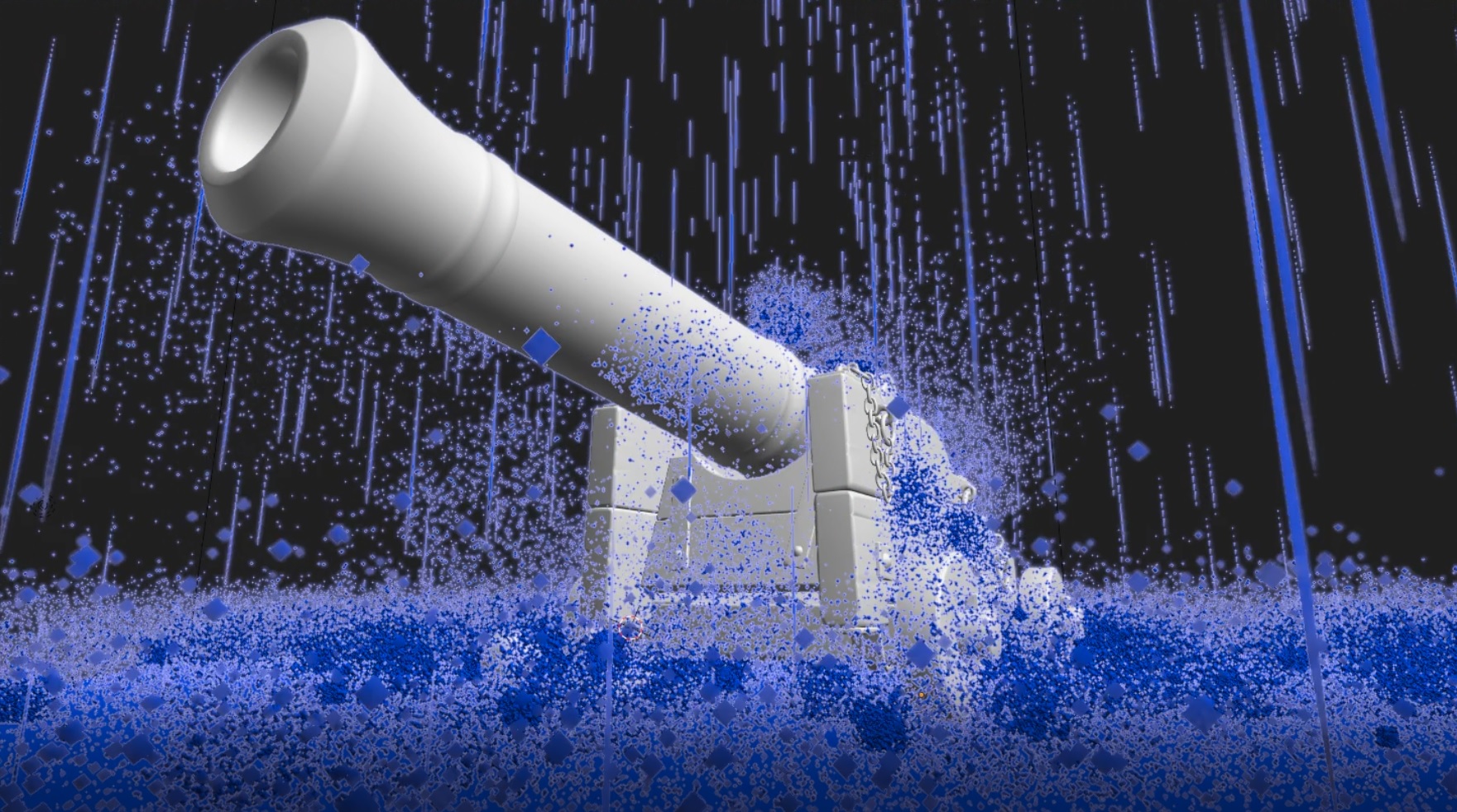

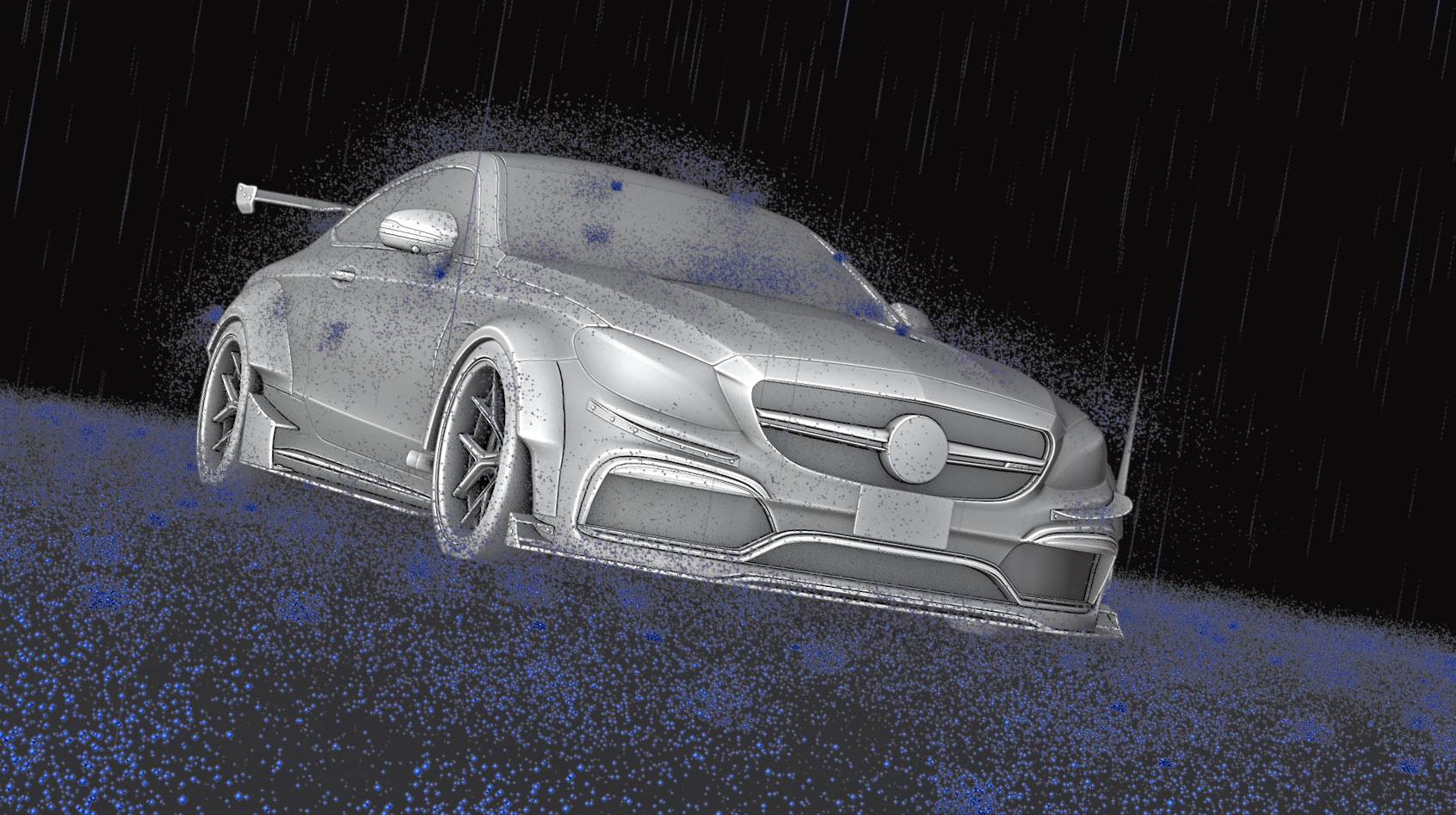
Images by antoine bagattini, shown from the Superhive product page.
Baga Rain Generator
Check the current price, version support and changelog on the creator's page.
See price on SuperhiveAffiliate link. How this works