All add-ons Lighting & Rendering
memsaver Memory Optimizer VRAM Saver
by polygoniq
Helps heavy scenes fit into GPU memory by shrinking textures and decimating meshes based on how they appear on camera.
Not tested hands-on. Based on the creator’s documentation, demo videos, changelog and buyer feedback.
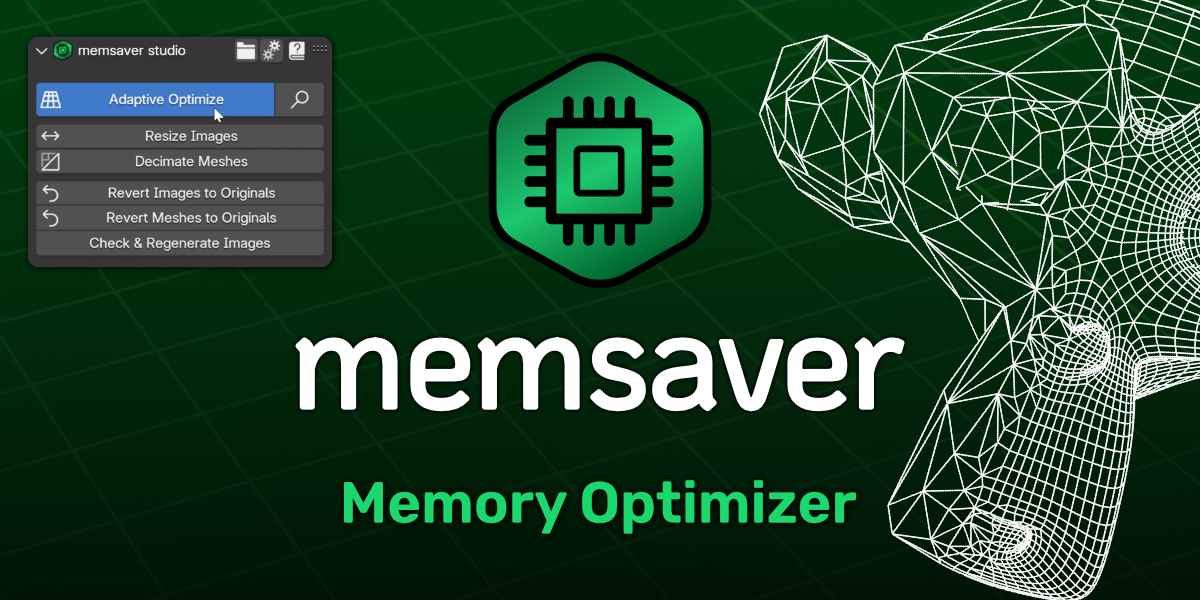
Cover image: polygoniq, from the original product page.
Links to Superhive on this page are affiliate links. If you buy through them I earn a commission, at no extra cost to you.
What it does
memsaver reduces the memory a scene needs so it fits into your GPU's VRAM. It looks at how large each object appears in the final render and resizes textures and decimates meshes accordingly.
Key features
- Adaptive Optimize: calculates texture sizes for every object based on its on-screen size.
- Adaptive mesh decimation based on distance from the camera.
- Preview the effect before applying.
- Non-destructive: downscaled images go to a cache folder and decimation uses modifiers, so you can always revert.
Things to check before buying
It is made by the same studio as renderset and engon. Gains are biggest in large environments with many distant objects.
Strengths
- Adaptive optimisation based on camera view
- Non-destructive: originals stay untouched
- Preview before applying
Worth knowing
- Very close shots save less memory
- Another cache folder to manage
Who it's for
Artists rendering big scenes on the GPU who run out of VRAM and are forced onto slower CPU rendering.
memsaver Memory Optimizer VRAM Saver
Check the current price, version support and changelog on the creator's page.
See price on SuperhiveAffiliate link. How this works


