Camera Tracker 7 (New Release!)
by CGMatter
Automates camera tracking in Blender so you can match 3D objects to live-action footage with fewer manual steps.
Not tested hands-on. Based on the creator’s documentation, demo videos, changelog and buyer feedback.
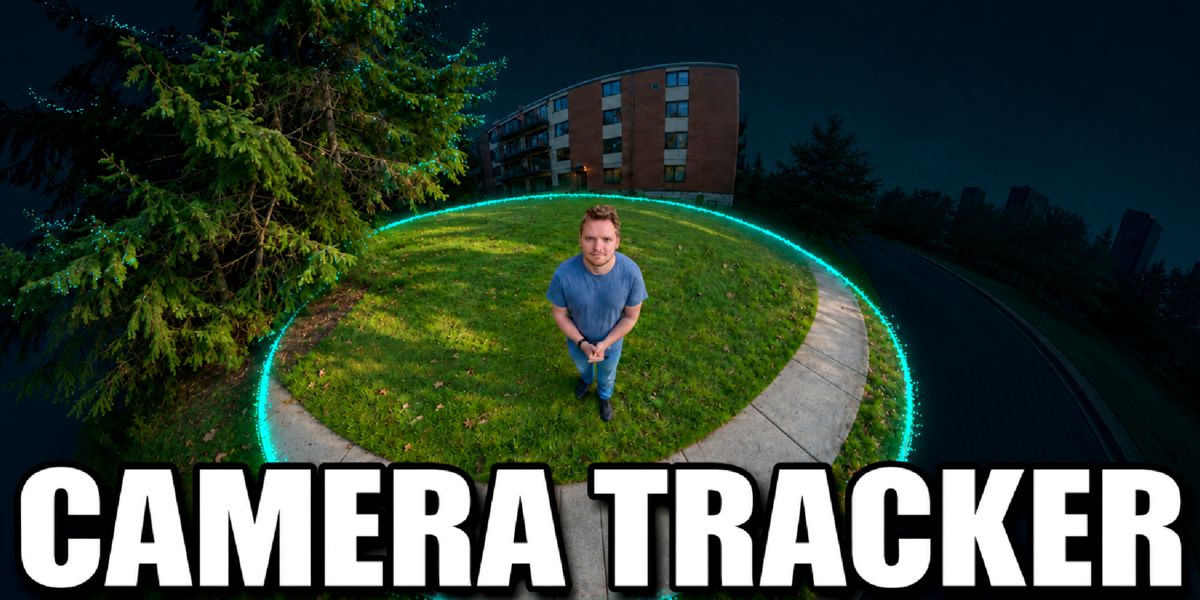
Cover image: CGMatter, from the original product page.
Links to Superhive on this page are affiliate links. If you buy through them I earn a commission, at no extra cost to you.
What it does
Camera Tracker speeds up matchmoving in Blender. It automates the steps of placing trackers, solving the camera and setting up the scene, so you can get to placing 3D objects in your footage faster.
Key features
- Automatic tracking: places and follows features across the clip.
- Camera solve and scene setup with less manual work in the Movie Clip Editor.
- Version 7 is the new release; version 6 stays available as a legacy download.
- Included in the Genie Bundle with other tools from the same creator, at a big discount.
Things to check before buying
No tool can track footage without detail. Shaky, blurry or featureless shots still need care. If you also want the creator's other tools, compare the price with the Genie Bundle.
Strengths
- Automates much of the tracking and solving process
- Version 6 still available as legacy
- Cheaper as part of the Genie bundle
Worth knowing
- Footage with blur or few features still tracks poorly
- Results may need manual refinement
Who it's for
Filmmakers and VFX hobbyists adding 3D elements to real video who find Blender's tracking workflow slow.
From the product page
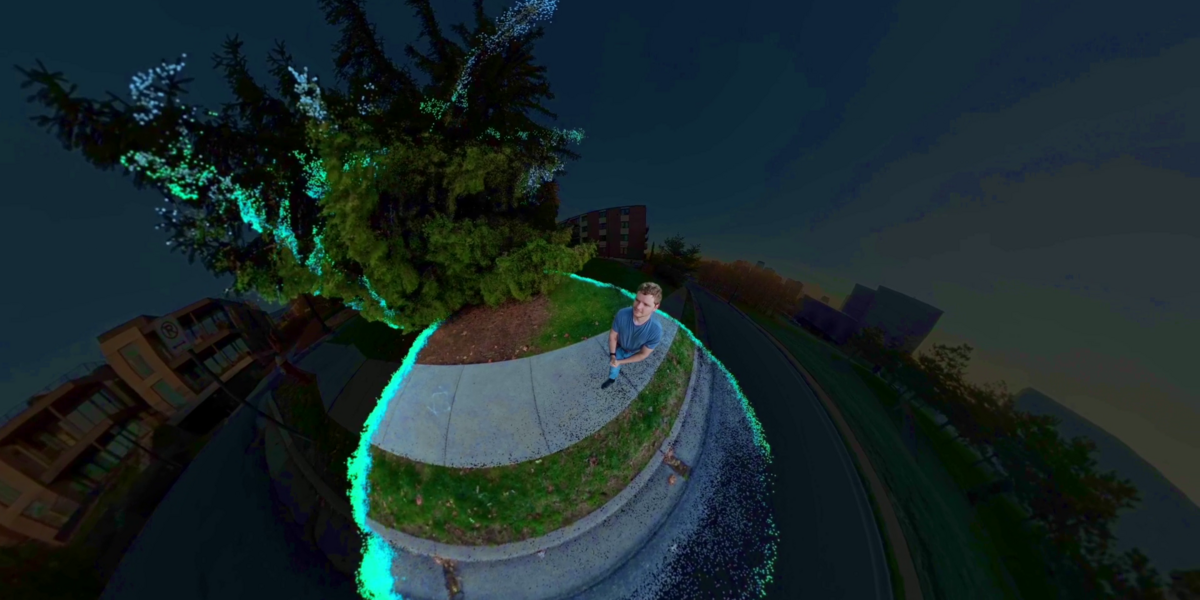
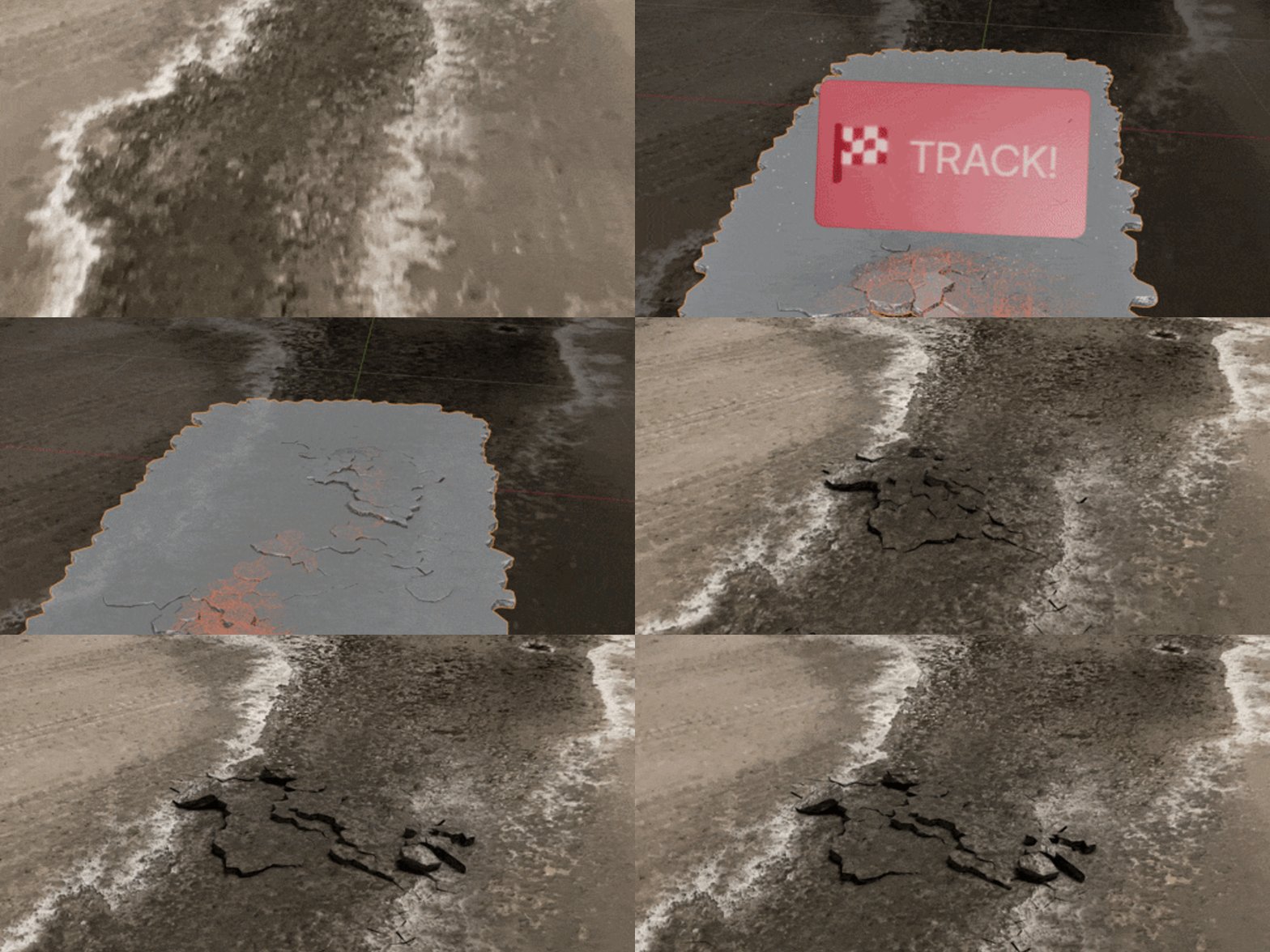
Images by CGMatter, shown from the Superhive product page.
Camera Tracker 7 (New Release!)
Check the current price, version support and changelog on the creator's page.
See price on SuperhiveAffiliate link. How this works