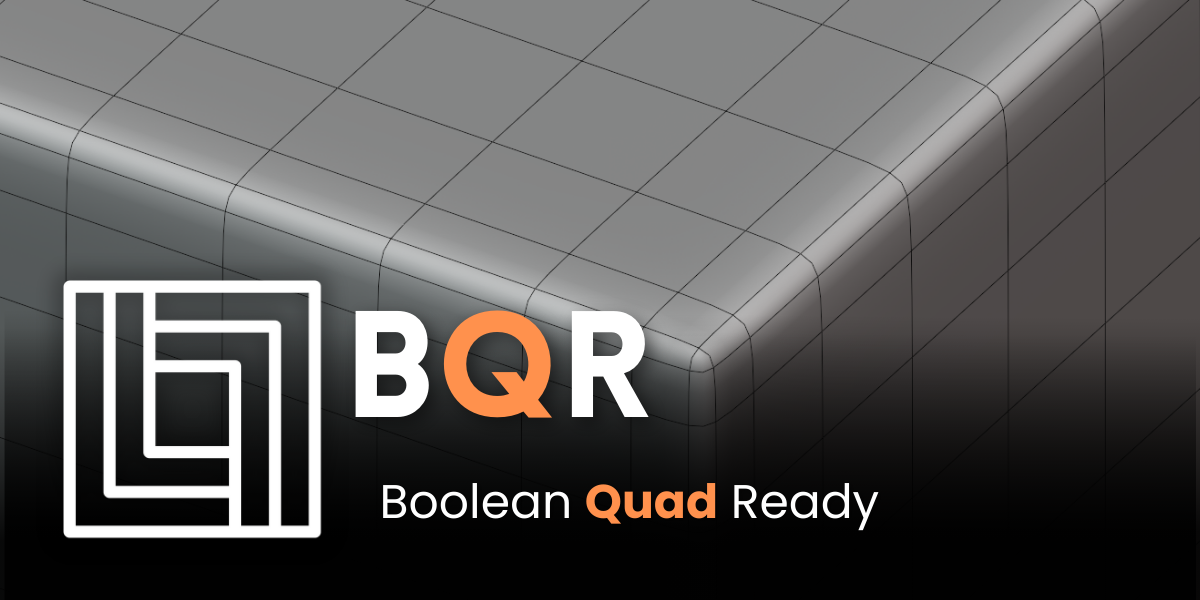
BQR Boolean Quad Ready
by Artemis3D
Boolean cuts that keep quad-friendly topology, so models can still take a subdivision surface after cutting.
Not tested hands-on. Based on the creator’s documentation, demo videos, changelog and buyer feedback.

Cover image: Artemis3D, from the original product page.
Links to Superhive on this page are affiliate links. If you buy through them I earn a commission, at no extra cost to you.
What it does
Normal booleans leave n-gons and triangles that break subdivision surfaces. BQR (Boolean Quad Ready) is built around keeping the topology quad-friendly when you cut, so you can keep using a Subdivision Surface modifier on the result.
What to expect
- Quad-oriented boolean cuts for holes, slots and panels.
- Cleaner edge flow around the cut, aimed at subdivision modeling.
- Less manual retopology after boolean operations.
Things to check before buying
The product page relies mainly on images and video, so watch the demo to see whether its approach fits your models. As with any boolean tool, base mesh density affects how clean the result can be.
Strengths
- Boolean workflow without the usual n-gon mess
- Keeps models ready for subdivision
- Saves manual cleanup time
Worth knowing
- Results depend on the density of the base mesh
- Complex intersections may still need hand fixes
Who it's for
Modelers who like the speed of booleans but need clean, subdivision-ready quads for their final mesh.
From the product page
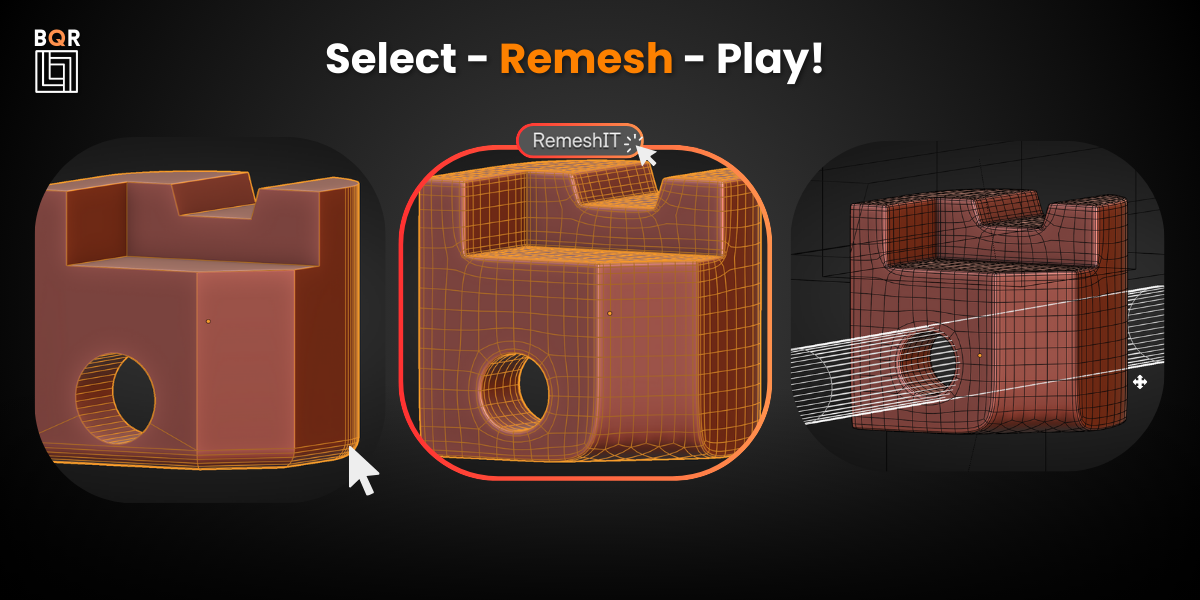
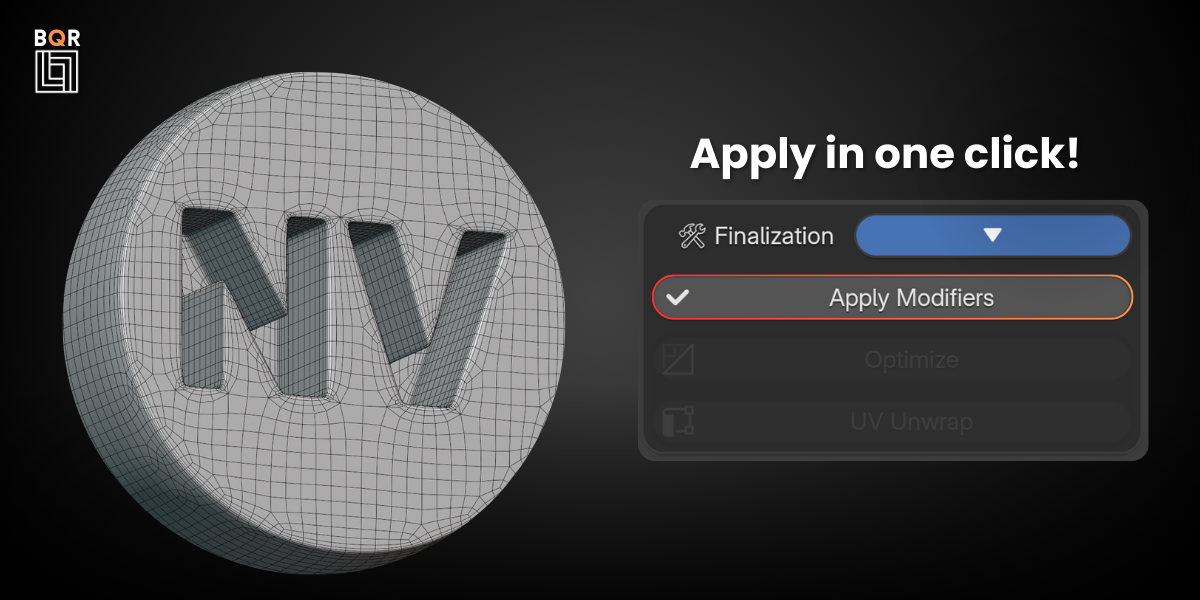
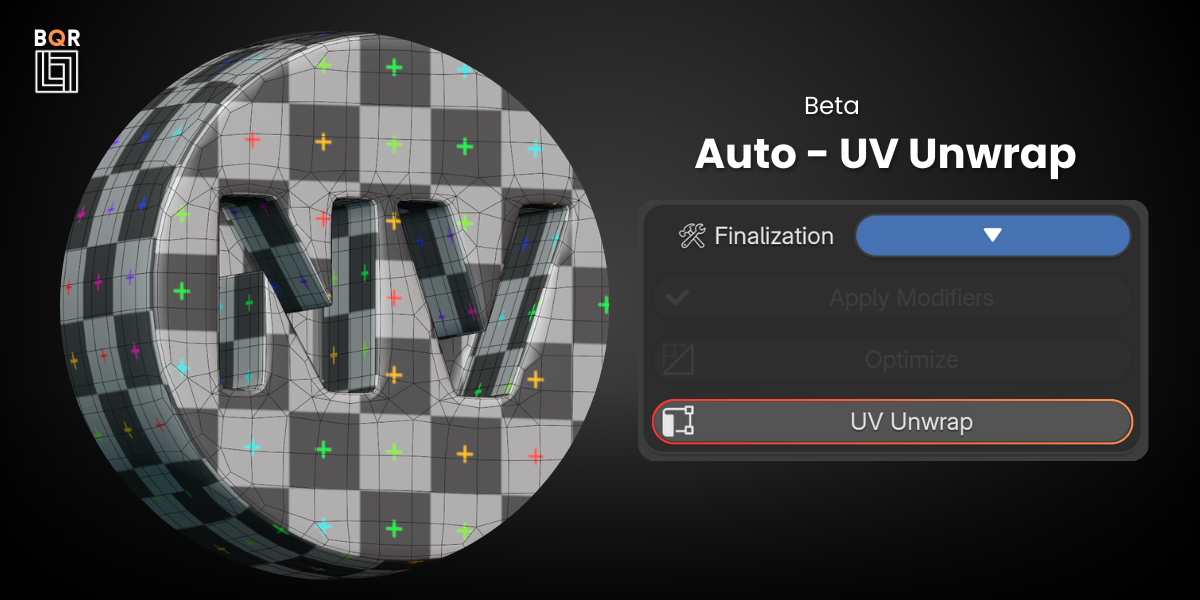
Images by Artemis3D, shown from the Superhive product page.
BQR Boolean Quad Ready
Check the current price, version support and changelog on the creator's page.
See price on SuperhiveAffiliate link. How this works